ObjectLog
ObjectLog[object]⟹table
returns table of the most recent changes to an object.
ObjectLog[type]⟹table
returns table corresponding to changes of the supplied type.
ObjectLog[]⟹table
returns table of the most recent changes in Constellations.
Details
- Options can be further used specify conditions for ObjectLog[]. Additional conditions include date ranges, specific types, and limits.
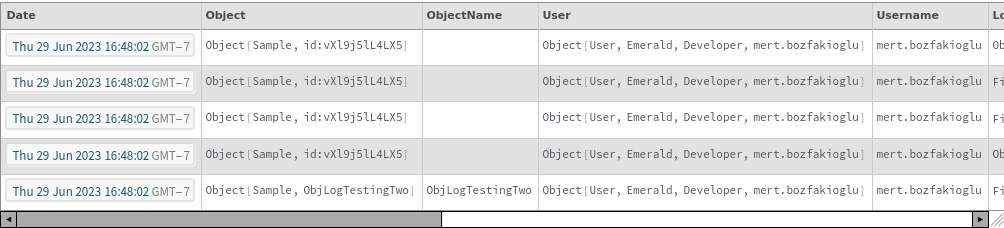
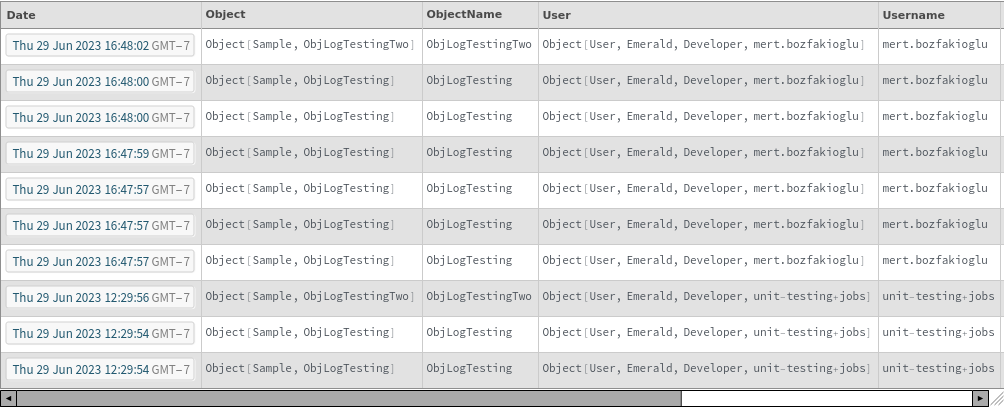
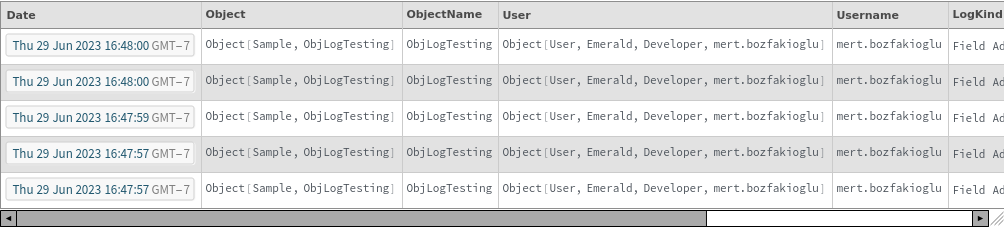
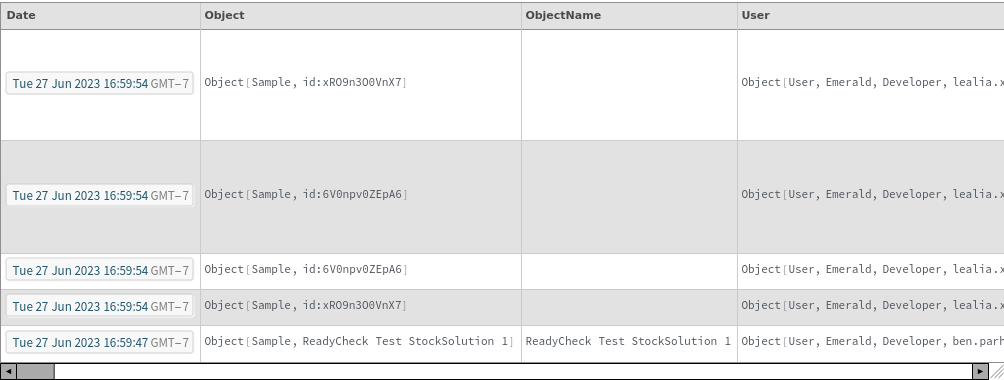
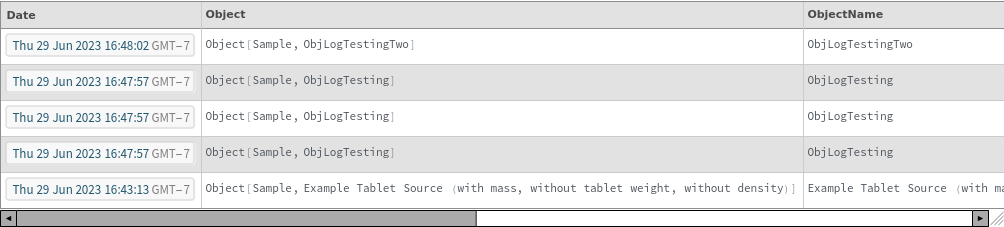
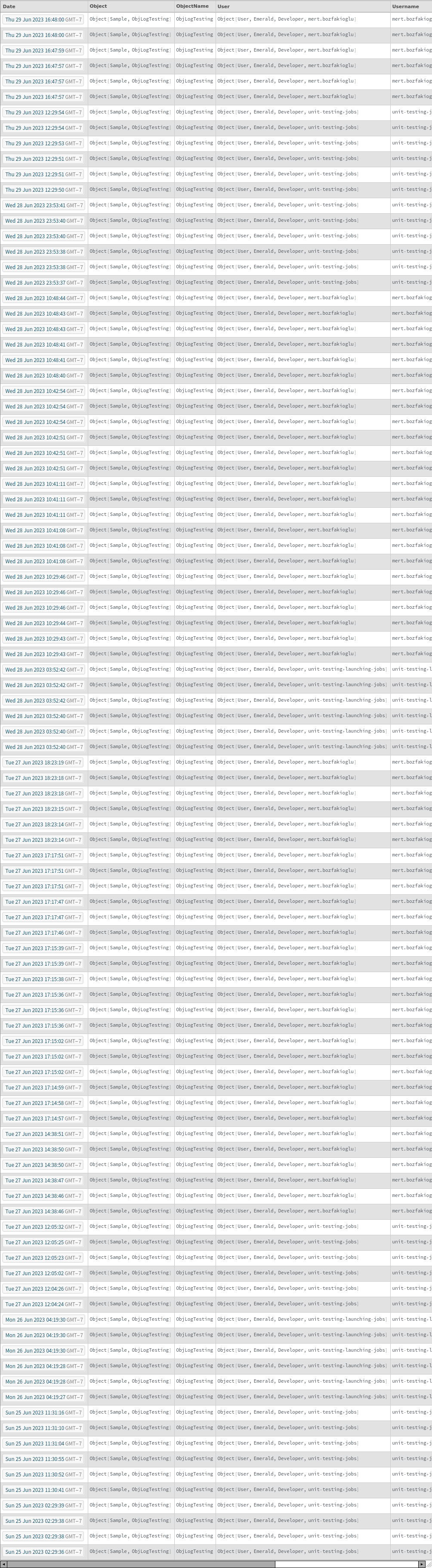
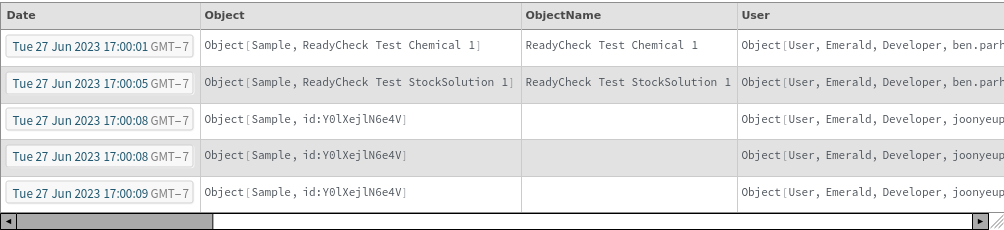
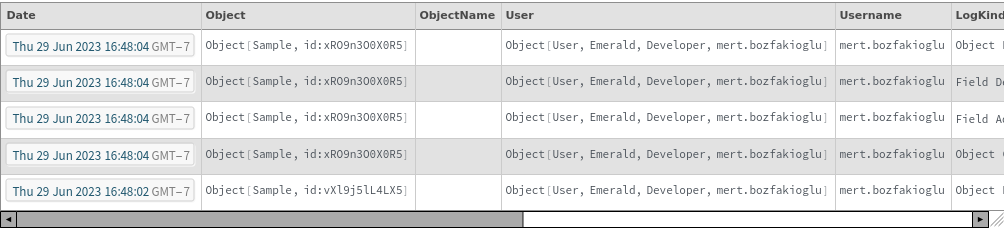
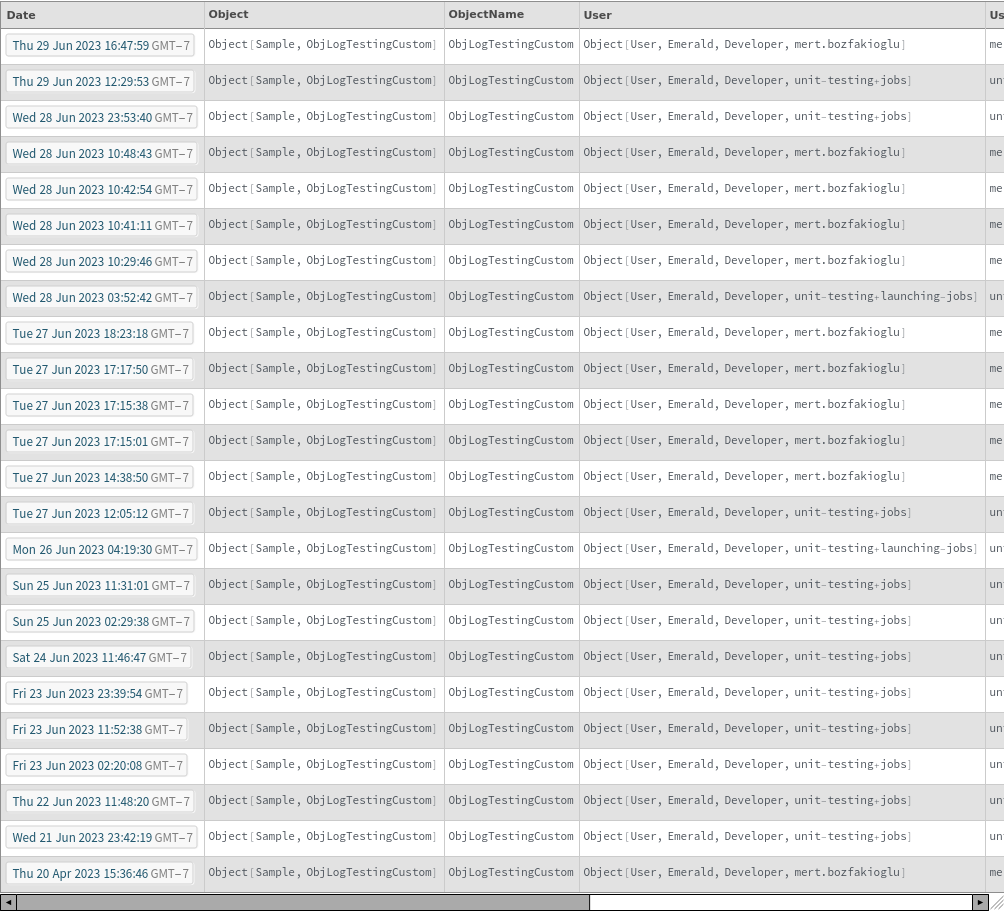
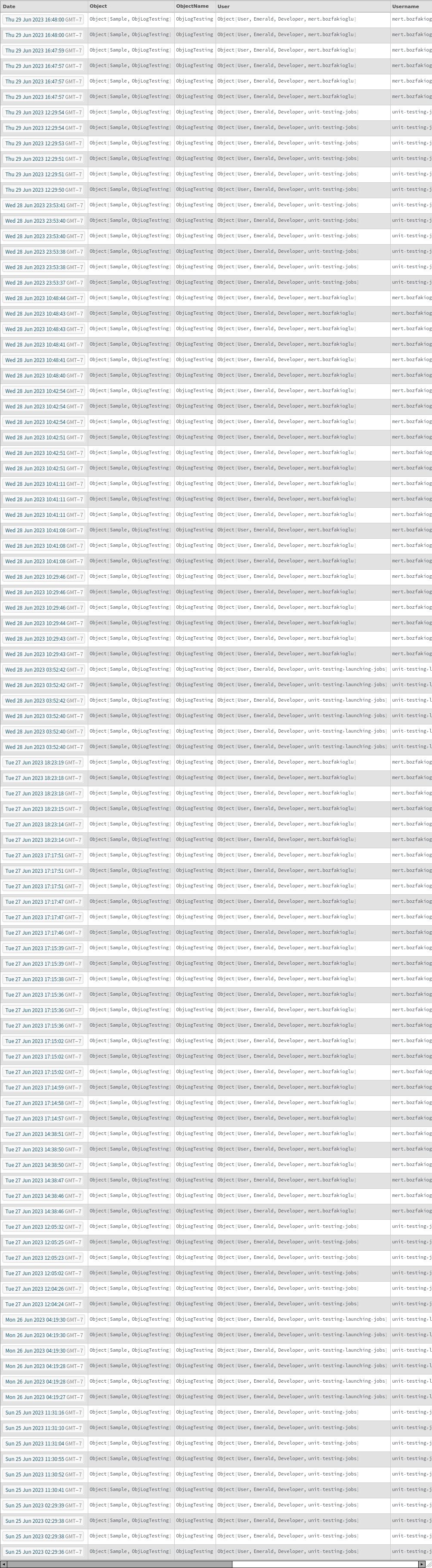
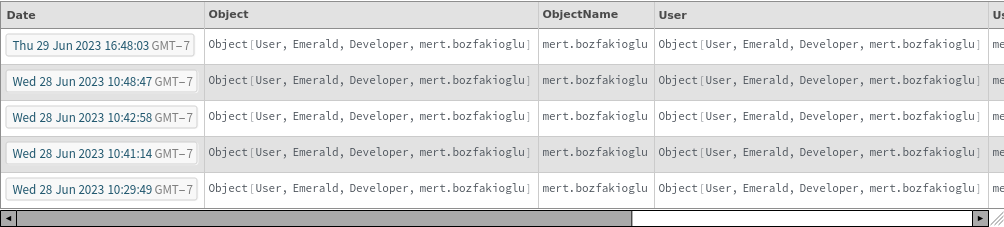
- In the output, the Date column indicates timestamp indicating when the object change occurred.
- Object represents the object that was changed. This can also be a type if a type was modified.
- User represents the user who modified the object.
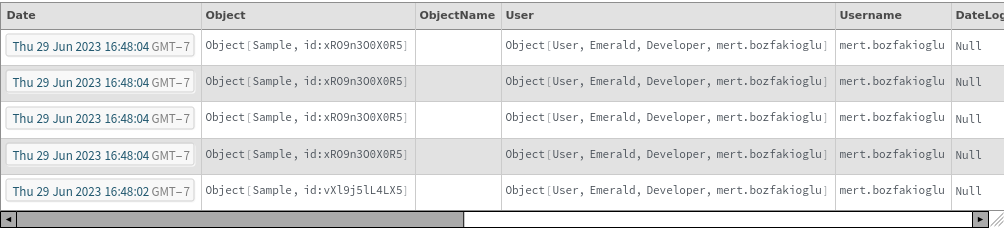
- DateLogRevised: If the change log was revised, this column indicates the timestamp such revision occurred.
- UserWhoRevisedLog indicated the user who revised the change log.
- Fields is an association of field value pairs which indicate the fields changed and the updated values.
Input

Output

General Options
Examples
Basic Examples (4)
Get the changes for an object of a given type:
List of Objects work too:
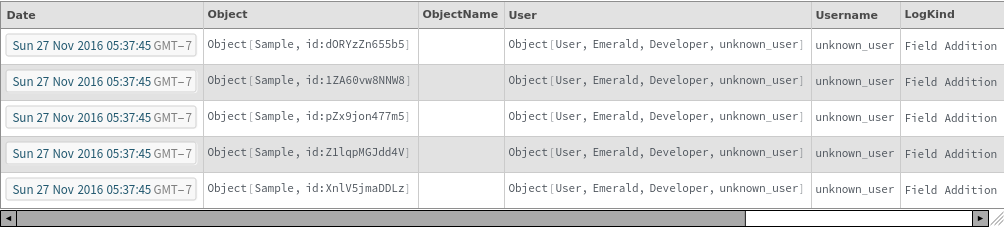
Object Log also displays shows the history for deleted Objects:
Specifying an object returns the change log of that object:
Options (13)
EndDate (1)
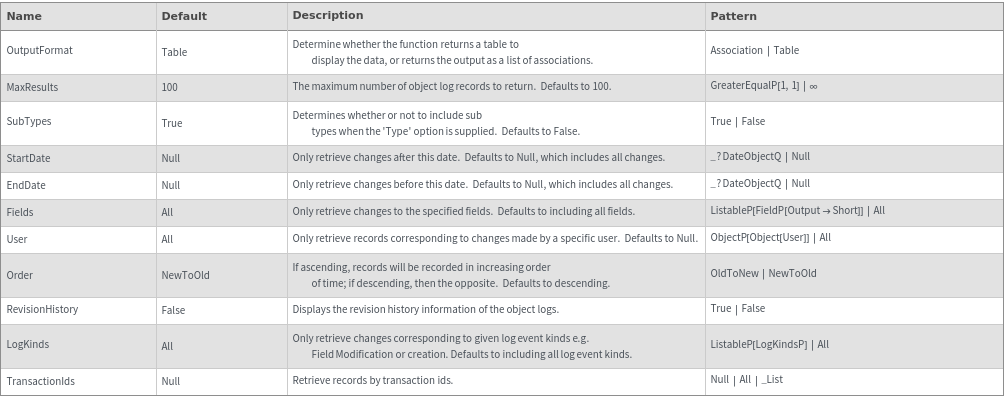
EndDate specifies an upper bound for the object log. Default is Now:
Fields (2)
The Field option only returns logs with changes given on specified fields:
The Field option only returns logs with changes given on specified singleton field:
LogKinds (1)
LogKinds option returns list of all object log entries of a particular kind e.g. FieldAdditionModification, ObjectCreation etc. Default is All:
MaxResults (1)
MaxResults limits the number of results from ObjectLog[]:
Order (1)
Order represents whether the logs are sorted by most recent or by most oldest. Order is descending by default with the most recent changes on top:
OutputFormat (1)
If a Table output is not desired, the Object Log can also be represented as a list of associations:
RevisionHistory (1)
By default revision history is hidden, but revision history displays whether the object log was modified and by whom:
StartDate (1)
StartDate specifies a lower bound for the object log. Default is None and represents the earliest possible changes:
SubTypes (1)
SubTypes->True also considers subtypes as part of a Type's object log:
TransactionIds (2)
Returns changes for custom transaction in upload call:
Returns changes for manual transaction started with BeginUploadTransaction["s1"]:
User (1)
User returns a log of the most recent changes made by the specified user:
Messages (5)
InvalidData (1)
Some older data has some invalid inconsistencies. If there is one, ObjectLog will warn the user:
NoResults (1)
If there are no results, ObjectLog returns null:
NotLoggedIn (1)
Fails if returned if the user is not logged in:
RequestError (1)
Fails if there is an error in the request call that can't be caught by a pattern:
SomeMetaDataUnavailable (1)
Meta data on fields with multiple entries were not tracked for some older data. For results containing such data, ObjectLog will warn the user:
Last modified on Thu 29 Jun 2023 16:48:35