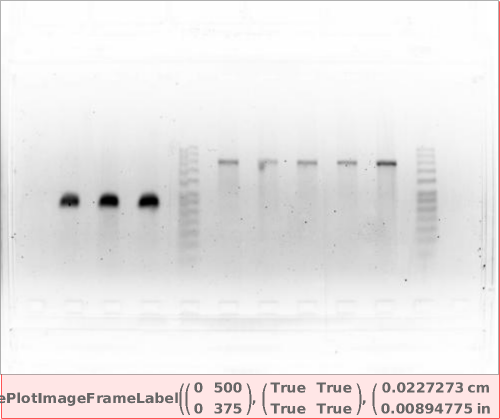
PlotImage
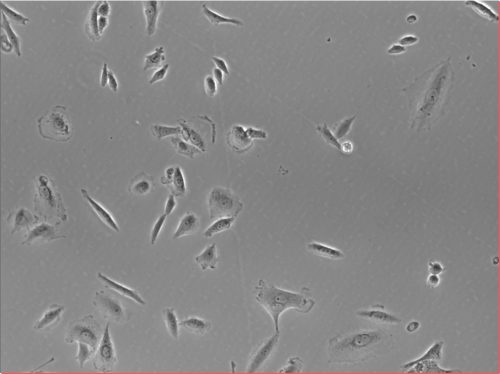
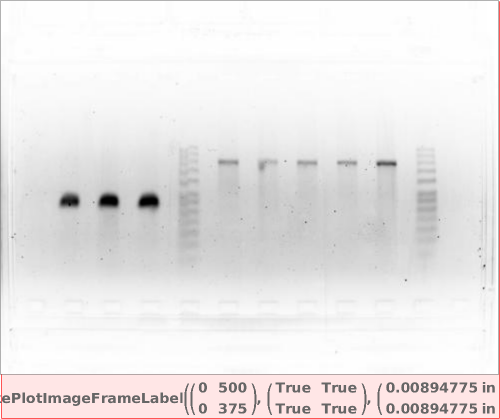
PlotImage[img]⟹fig
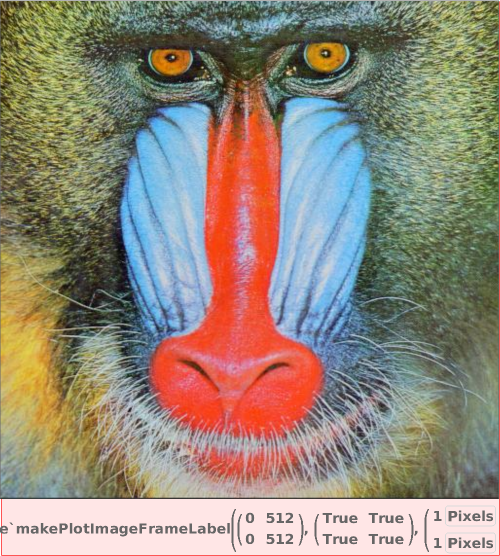
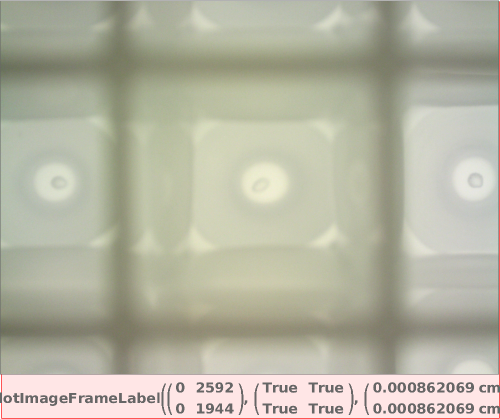
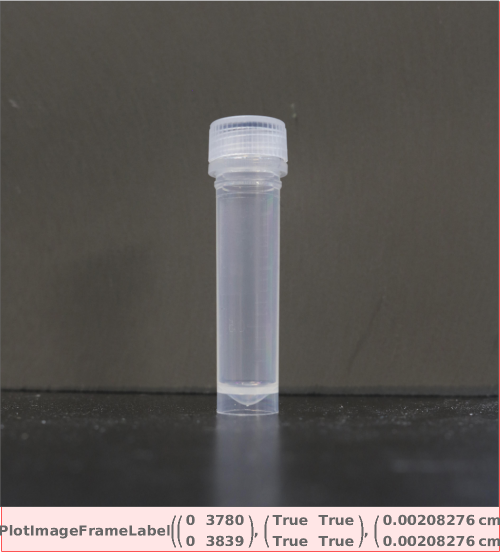
creates a zoomable view of img with rulers around the frame.
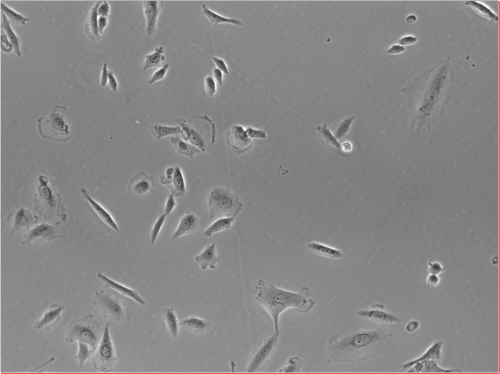
PlotImage[{img ..}]⟹fig
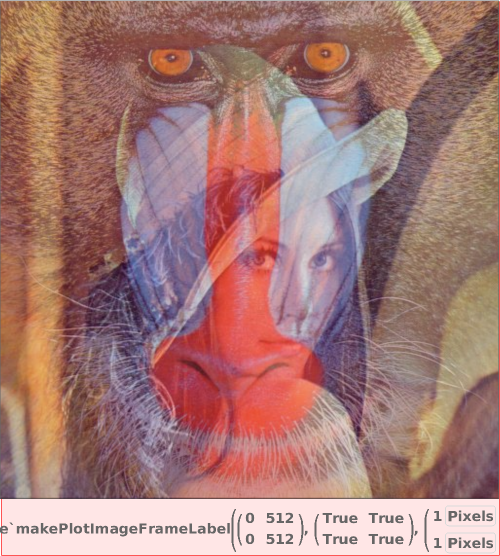
overlays each img in a single interactive figure.
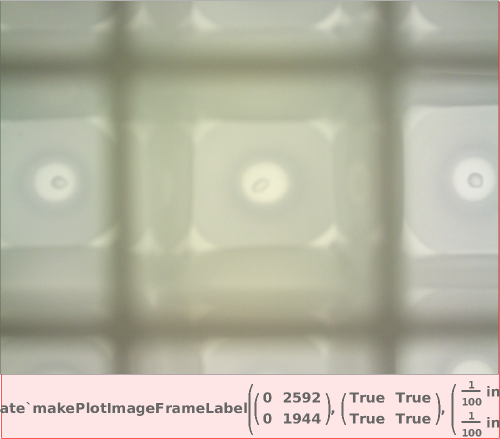
PlotImage[dataObject]⟹fig
displays the primary image associated with the data object.
Details
- Measurement lines can be added using Ctrl+LeftClick (Cmd+LeftClick on Mac).
- Measurement points can be moved by Ctrl+LeftClick+Dragging (Cmd+LeftClick+Dragging on Mac).
- Measurement lines can be removed using Ctrl+RightClick (Cmd+RightClick on Mac).
Input

Output

Frame Options
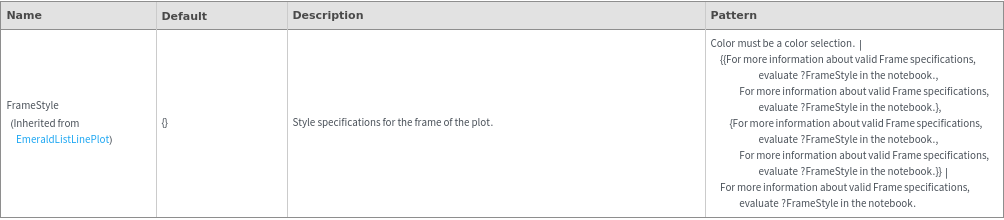
Image Format Options
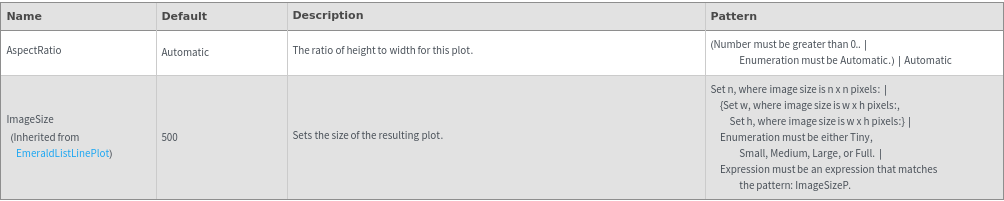
Plot Labeling Options
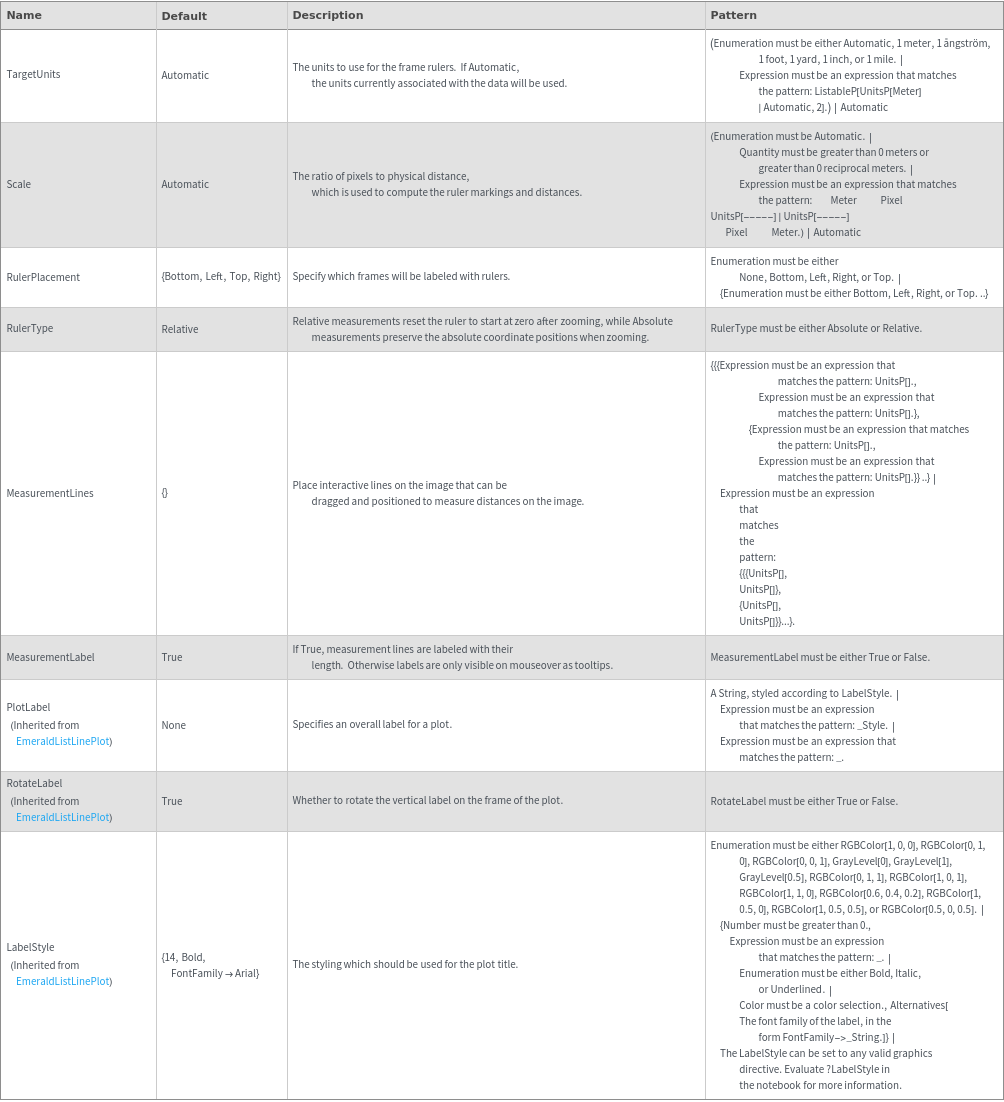
Plot Style Options

General Options

Examples


Additional Examples (6)





Options (15)




MeasurementLines (4)
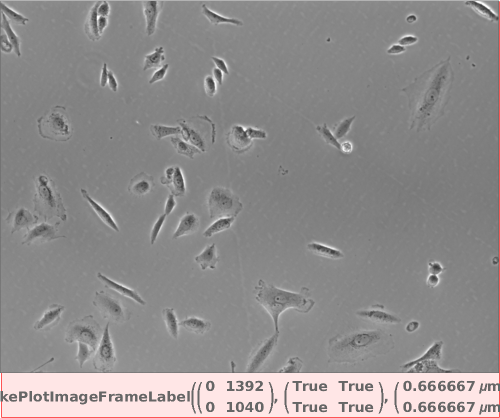
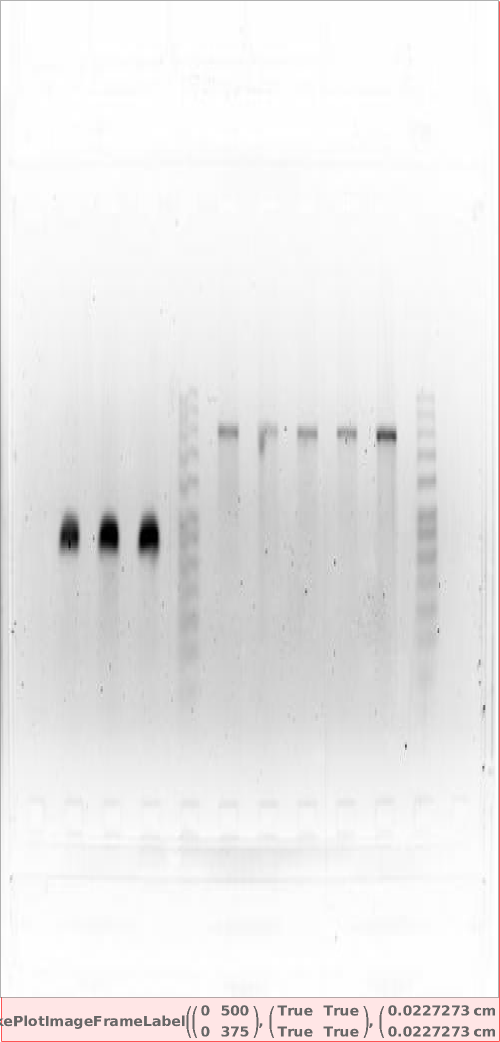
Add a measurement line to the image. Use Ctrl+LeftClick+Dragging (Cmd+LeftClick+Dragging on Mac) to move the points:

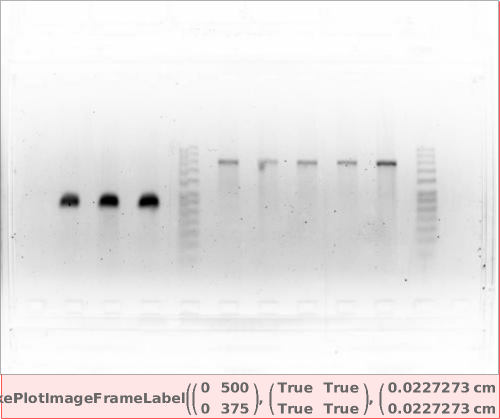
Specify two measurement lines. Use Ctrl+LeftClick to add (Cmd+LeftClick on Mac) and Ctrl+RightClick to remove (Cmd+RightClick on Mac) measurement lines:

Label measurement lines with distance:

Measurement line labels appear on mouseover: