
PriceOperatorTime
PriceOperatorTime[protocol]⟹table
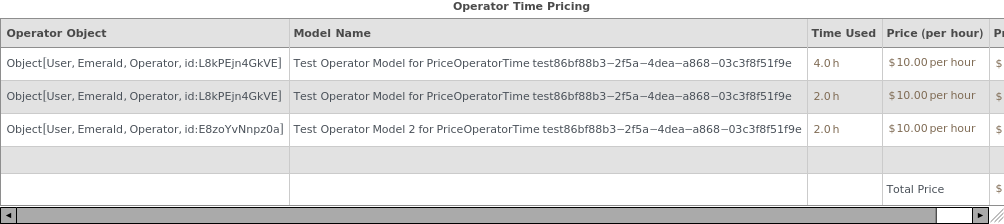
provides a table listing the pricing information for all operators who worked on the protocol.
PriceOperatorTime[notebook, Span[startDate, endDate]]⟹table
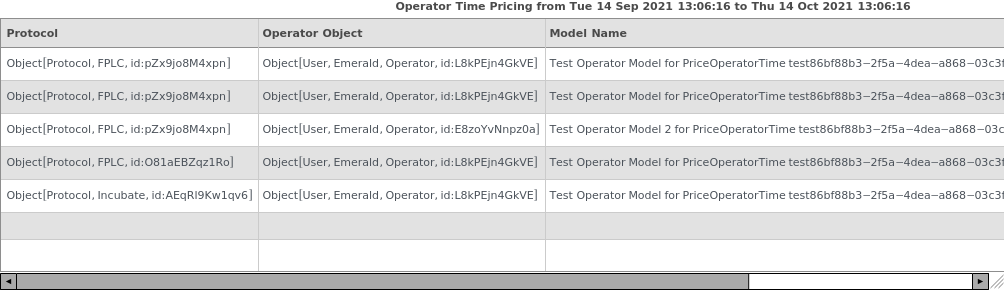
provides a table listing the pricing information for all operators who worked completed protocols in notebook between the 'startDate' and 'endDate'.
PriceOperatorTime[notebook]⟹table
provides a table listing the pricing information for all operators who worked on all completed protocols in notebook between Now and one month before Now.
PriceOperatorTime[team, Span[startDate, endDate]]⟹table
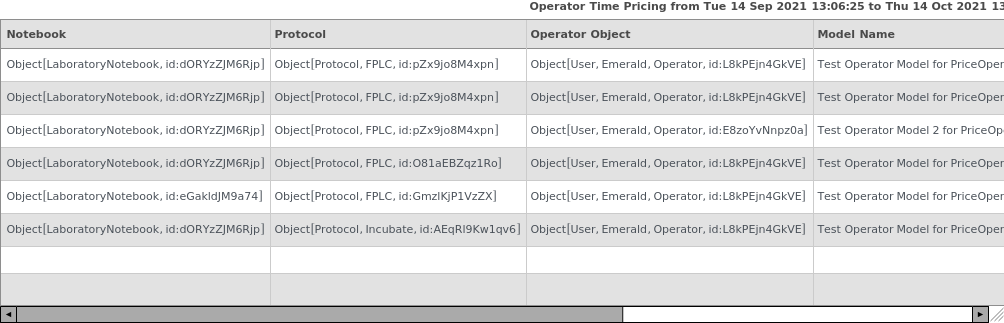
provides a table listing the pricing information for all operators who worked on all completed protocols in notebooks financed by team between the 'startDate' and 'endDate'.
PriceOperatorTime[team]⟹table
provides a table listing the pricing information for all operators who worked on all completed protocols in notebooks financed by team between Now and one month before Now.
Details
- The pricing is based upon the PricingRate of each given operator and the time for which the operator was working on the protocol.
- Pricing information is only calculated for Completed parent protocols.
- For the Team or Notebook overloads, non-Completed and non-parent protocols are filtered out and not displayed.
- By default, if teams or notebooks are specified and no date range is provided, function defaults to showing protocols completed in the past 30 days.
- Note that the prices displayed in this documentation are only for the sake of example and do not represent actual prices.
-
ParentProtocolRequired The following provided protocol(s) are subprotocols: `1`. These protocols' prices are already included in the price of their parent protocols. Please provide only completed parent protocols to the inputs of PriceOperatorTime. ProtocolNotCompleted The following provided protocol(s) are not yet completed and thus pricing from instrument time cannot be calculated: `1`. Please wait until these protocols are completed and then call this function again.
Input

Output

General Options

Messages
Examples
Basic Examples (5)
Displays the pricing information for each operator used in a given protocol as a table:

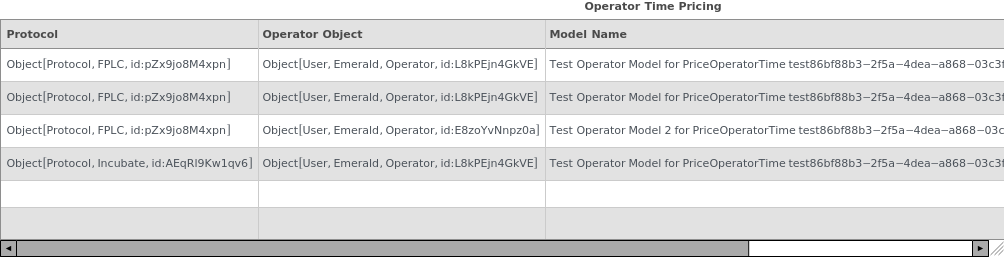
Displays the pricing information for a list of protocols as one large table:

Displays the pricing information for all protocols tied to a given notebook:

Displays the pricing information for all protocols tied to a given financing team:

Specifying a date span excludes protocols that fall outside that range:


Additional Examples (2)




Options (7)
Consolidation (5)
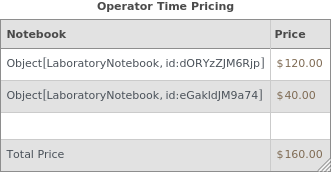
Specifying Consolidation -> Notebook groups all items by Notebook and sums their prices in the output table:

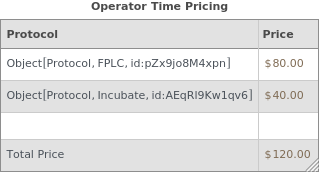
Specifying Consolidation -> Protocol groups all items by Protocol and sums their prices in the output table:

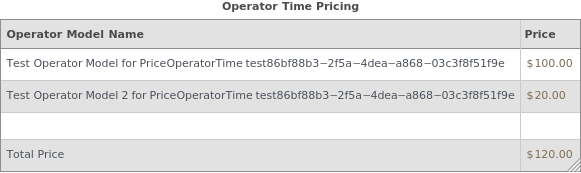
Specifying Consolidation -> Operator groups all items by Operator object and sums their prices in the output table:

If OutputFormat -> TotalPrice is specified, this overrides the Consolidation option and returns the total summed price:


If OutputFormat -> Association is specified, this overrides the Consolidation option and returns a list of associations matching OperatorPriceTableP:








