RequireResources
RequireResources[packet]⟹protocol
populates the RequiredResources field of packet, fills in fields of the protocol previously populated by resources, and creates new resource objects.
Details
- This function should be called in at the end of all Experiment functions to make the protocol transform resources into resource objects.
- The input to this function should be a list of protocol packets with links to resources in the desired fields. These will be moved to RequiredResoures for Resource Picking during the procedure's execution.
- The output will be a list of the protocol(s) that were changed, with the fields featuring resources populated in the input instead the models or samples that were requested.
- The RootProtocol option should be used to specify the root protocol (i.e., the highest-level parent protocol) to which these resources ultimately belong. This will populate the resource's RootProtocol field.
- The RootProtocol option will also be used to ensure that if the user is creating a resource for a specific sample or instrument Object, and that same Object is already reserved by another resource with the same RootProtocol, this resource will not be created to avoid accidental double-reservations.
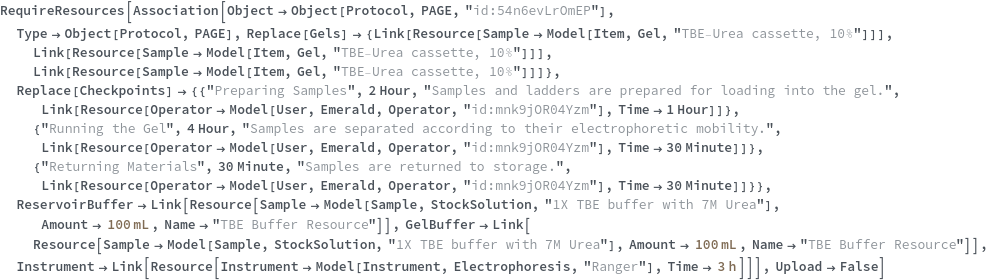
- If Upload -> False, RequireResources will return a flat list of the updated protocol as well as the newly-created resource packets.
- The only fields RequireResources Downloads are the Models of any Samples, Containers, Parts, or Instruments that are specified directly in the resources.
- If all resources only specify models, then nothing is Downloaded.
- NOTE: the Replace/Append heads for multiple fields must be specified in the input packets; RequireResources will no longer add them automatically (i.e., <|SamplesIn -> {Link[Object[Sample, "123"]]}|> will not automatically become <|Replace[SamplesIn] -> {Link[Object[Sample, "123]]}|>
-
AmbiguousName The resource Names `1` are used in Resource representations with different resource parameters. Please ensure that each Name is only used to identify a single unique Resource. AmbiguousRelation A Resource was placed in type field `1` without a provided Link. This field has multiple possible links, and the correct one cannot be automatically determined. Please use Link with this field. OptionLengthMismatch These options' lengths are invalid: `1`. The input list has length `2`; these options' lengths must match. Alternatively, a single option value may be supplied.
Input

Output

General Options

Messages
Examples
Basic Examples (4)
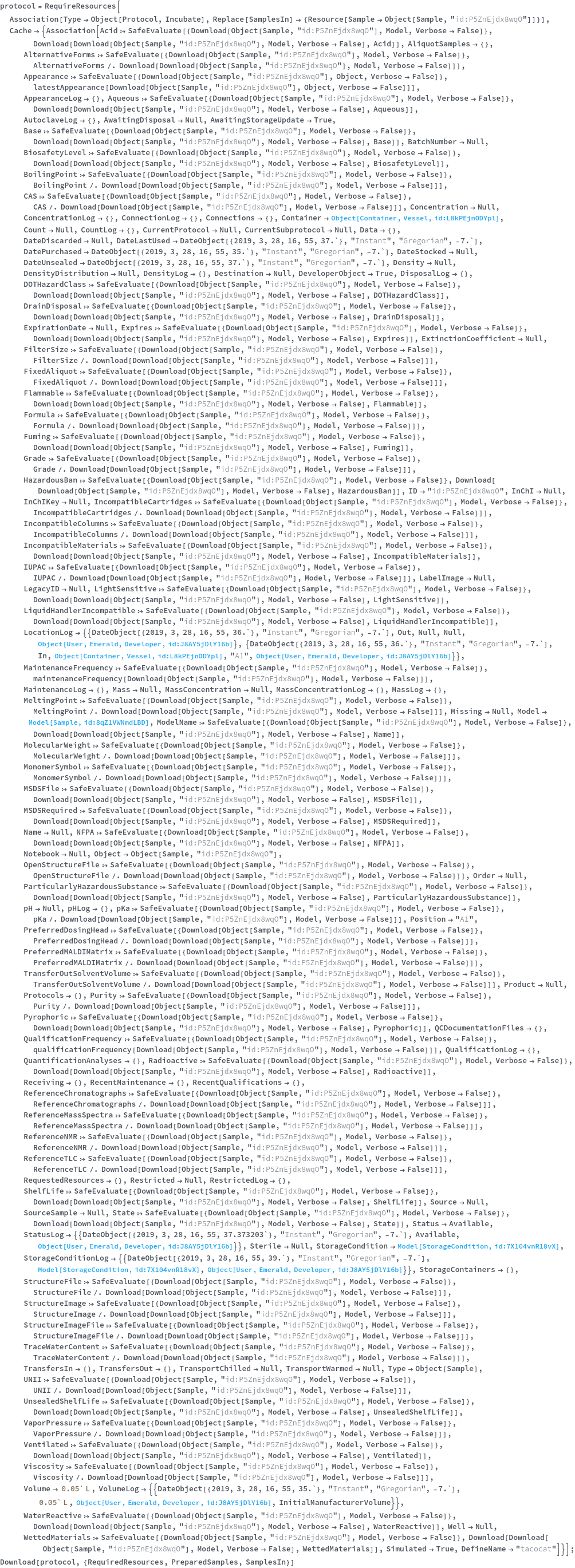
Returns a list of packets consisting of the protocol packet with the RequiredResources field populated, as well as the list of new resource packets:

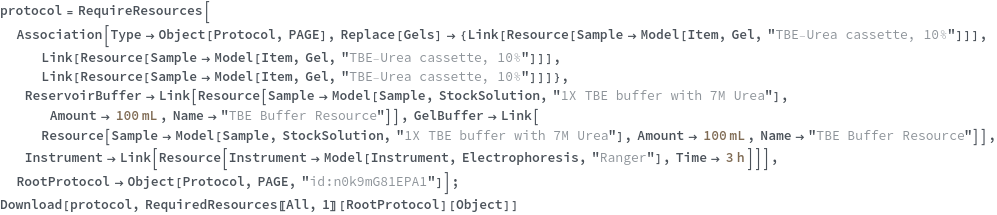
Returns the object(s) that were updated and for which resources were created:


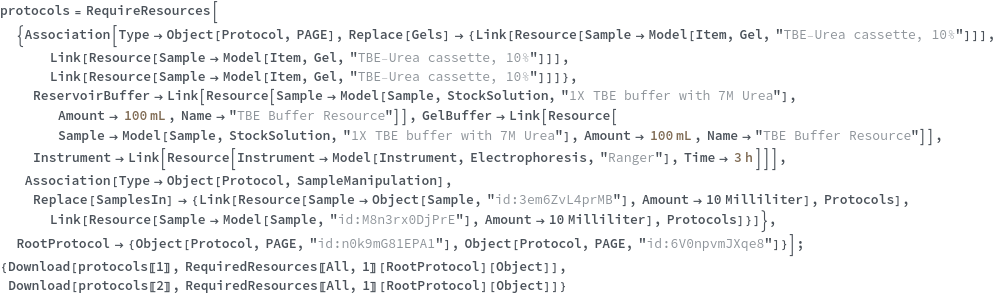
Successfully populate the RequiredResources field of a protocol for an indexed multiple field:


Upload a protocol with prepared samples: