SimulateKinetics
SimulateKinetics[ReactionModel, InitialCondition, SimulationDuration]⟹Trajectory
performs kinetic simulation of reaction network described by ReactionModel, starting from initial condition InitialCondition, until the time SimulationDuration.
SimulateKinetics[InitialCondition, SimulationDuration]⟹Out
generates a mechanism from initial condition and then simulates its kinetics until the time SimulationDuration.
Details
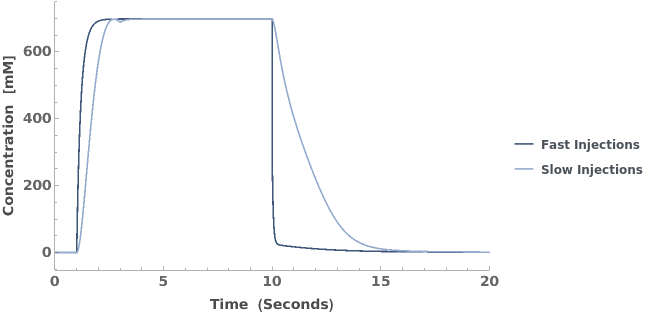
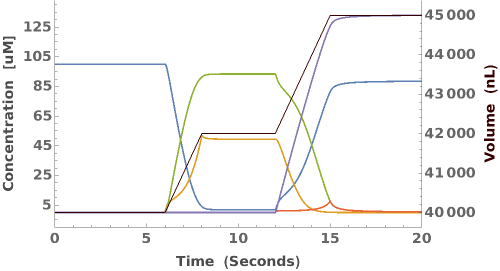
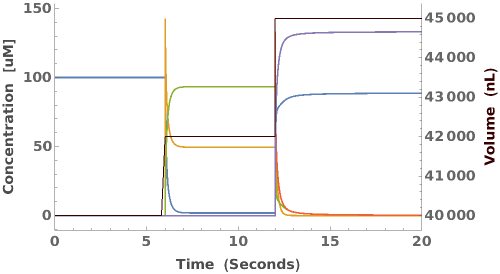
- There are two different injection models: slow and fast/instantaneous. Fast injections have the form {TimeP,Species,Volume,Concentration} | {TimeP,Species,Volume,Null,Concentration} where in the latter case Null implies instantaneous injection of the full volume. Slow injections have the form {TimeP,Species,Volume,Rate,Concentration}. The full form is for a list of injections, one for each species added.
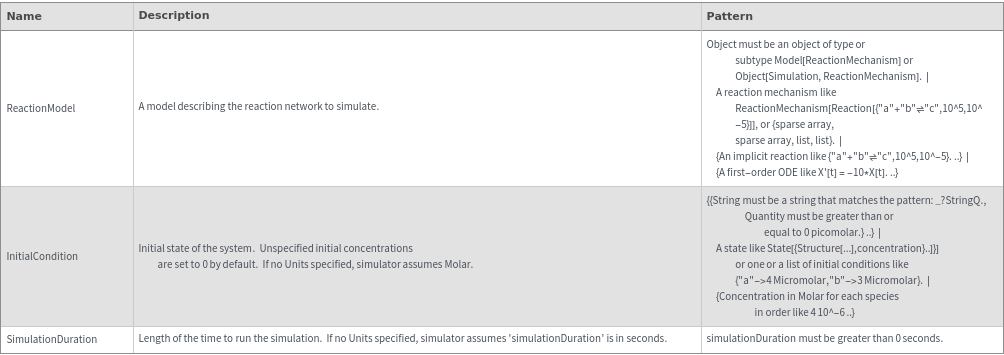
Input
Output

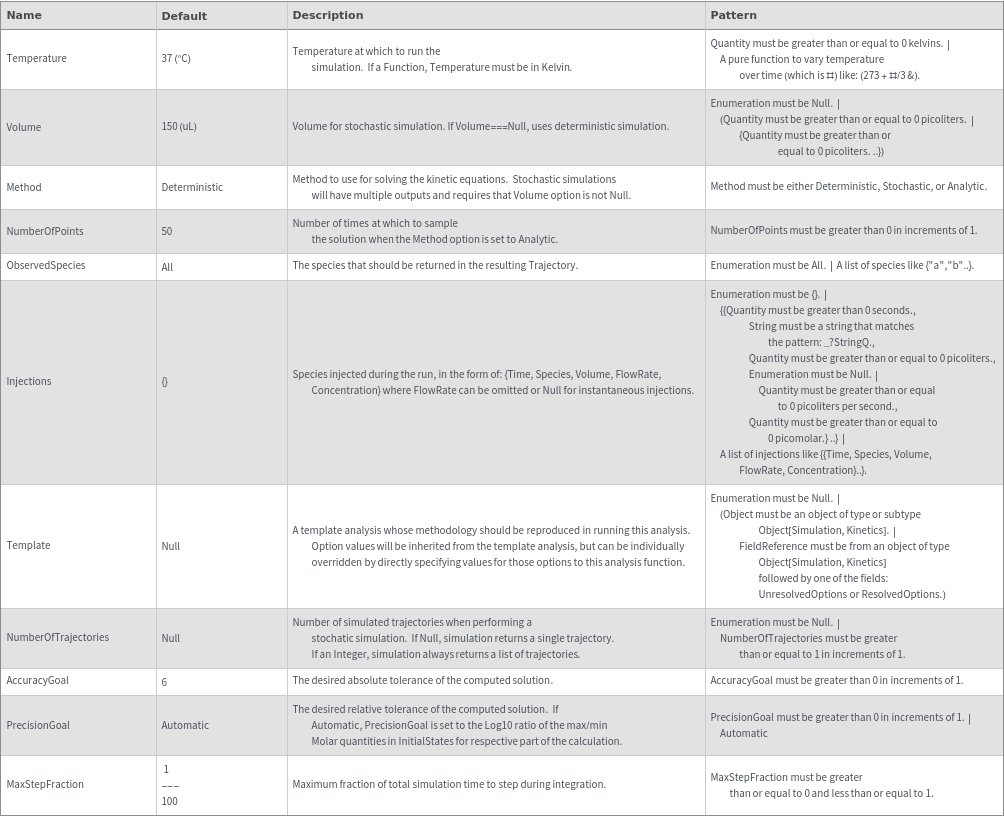
General Options
Examples

Basic Examples (6)
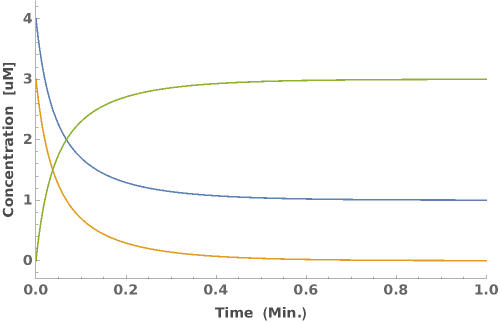
Allows list of numeric initial conditions:

Input can be specified as a ReactionMechanism object:

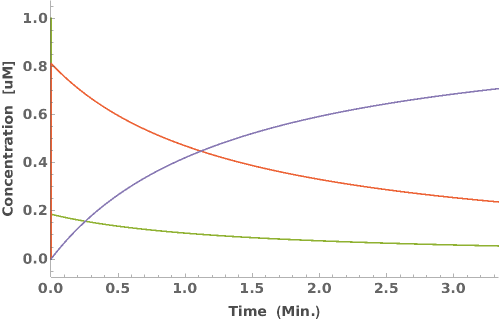
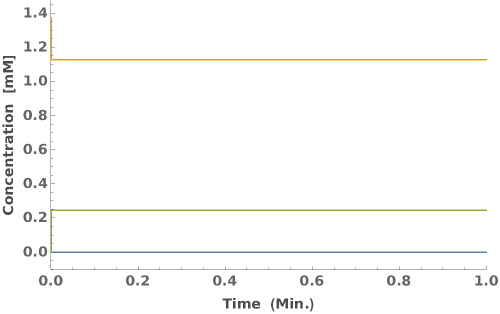
Simulate a hybridization reaction for 60 seconds:

Simulate an irreversible reaction for 60 seconds:

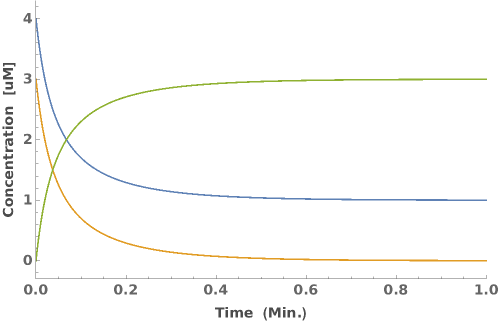
Simulate the kinetics of the a mechanism from the given initial state:

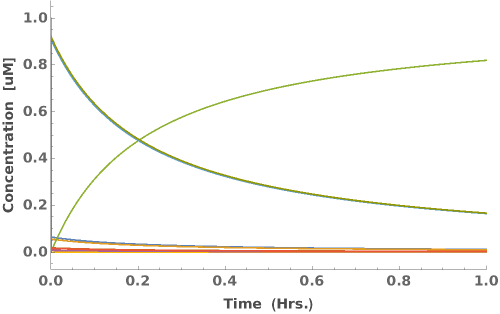
Simulation time without units defaults to seconds:

Additional Examples (4)




Options (22)

Injections (3)



Method (3)
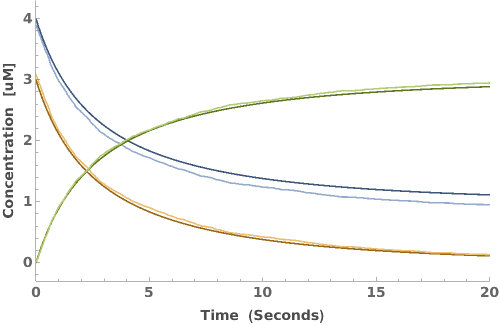
Compare deterministic and stochastic simulation by overlaying the trajectories from both methods on top of each other:

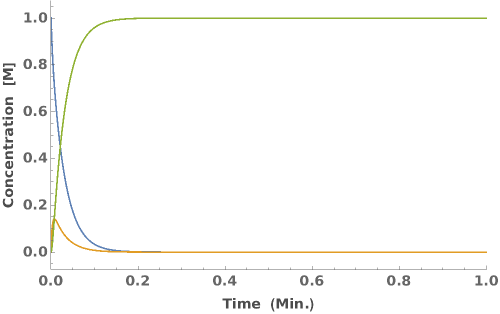
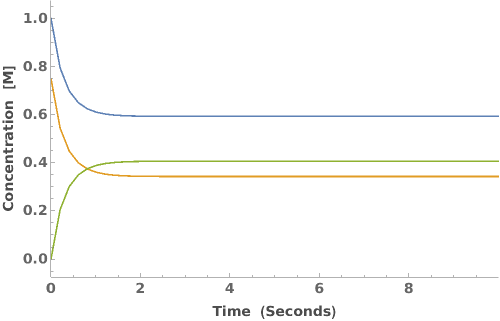
Use analytic solution instead of stochastic simulation, which is only available for certain types of reaction networks:

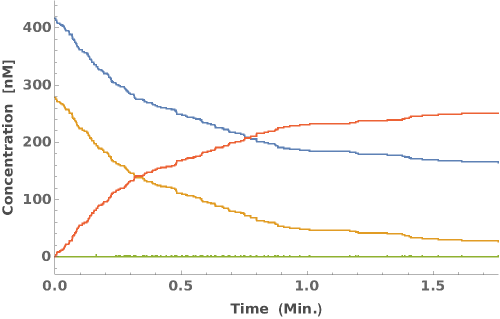
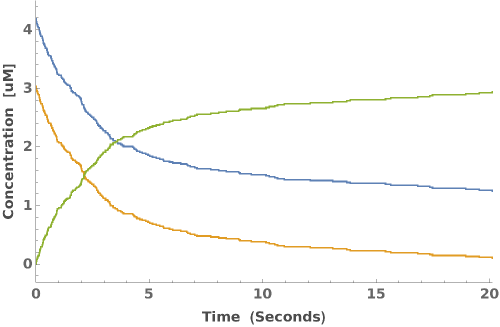
Use the stochastic method to simulate the concentration changes:

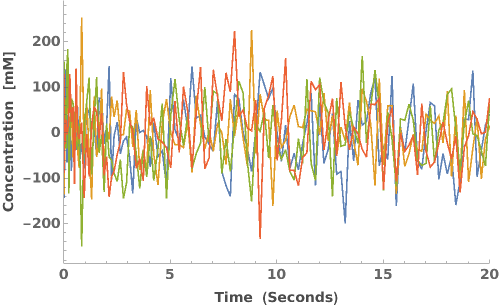
Noise (3)


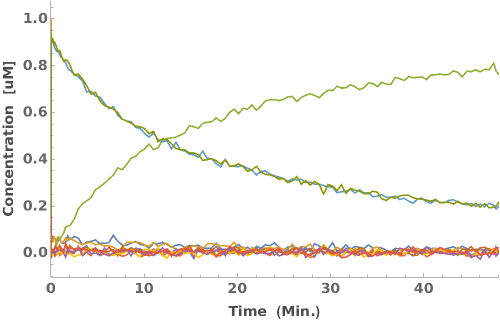

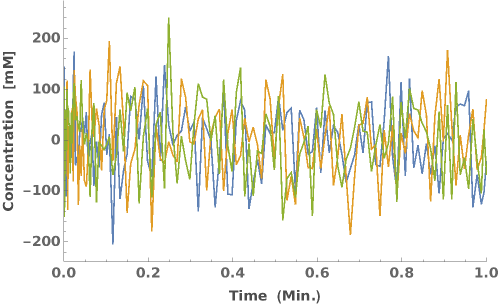
NumberOfPoints (1)


NumberOfTrajectories (1)

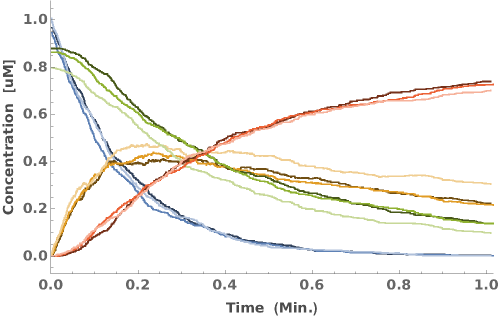

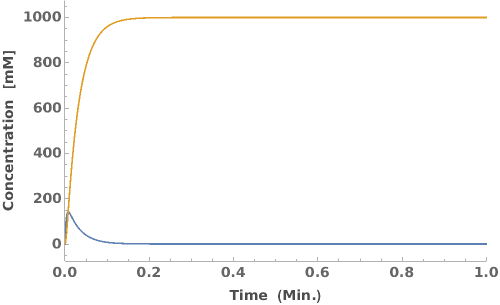

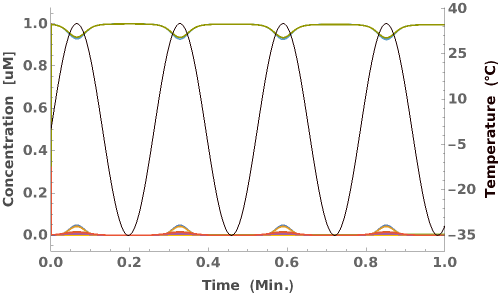
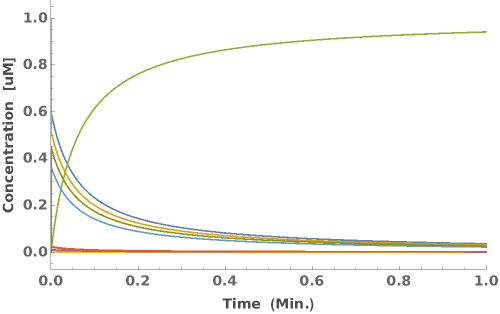
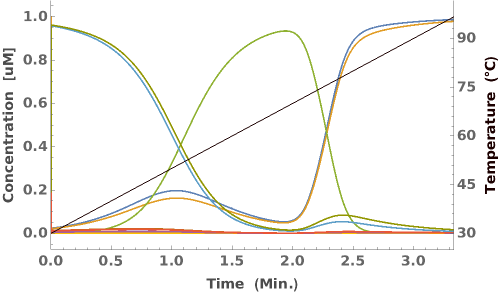
Temperature (3)



Template (2)
A template simulation (Object Reference) whose methodology should be reproduced in running this simulation. Option values will be inherited from the template simulation, but can be individually overridden by directly specifying values for those options to this simulation function:

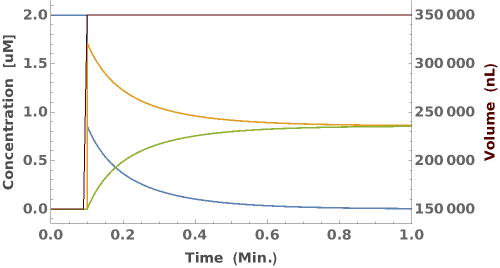
A template simulation (Object) whose methodology should be reproduced in running this simulation. Option values will be inherited from the template simulation, but can be individually overridden by directly specifying values for those options to this simulation function: