ecl-logo Documentation

UploadLiteratureOptions

UploadLiteratureOptions[pubMedID]resolvedOptions

returns the resolved options when uploading an Object[Report,Literature] from a given PubMed ID.

UploadLiteratureOptions[endNoteFile]resolvedOptions

returns the resolved options when uploading an Object[Report,Literature] from the given EndNote XML file.

UploadLiteratureOptions[endNoteList]resolvedOptions

returns the resolved options when uploading an Object[Report,Literature] from the imported EndNote information.

UploadLiteratureOptions[]resolvedOptions

returns the resolved options when uploading an Object[Report,Literature].

Details

    Input

    Output

    Literature Information Options

    Protocol Options

Examples

Basic Examples  (3)

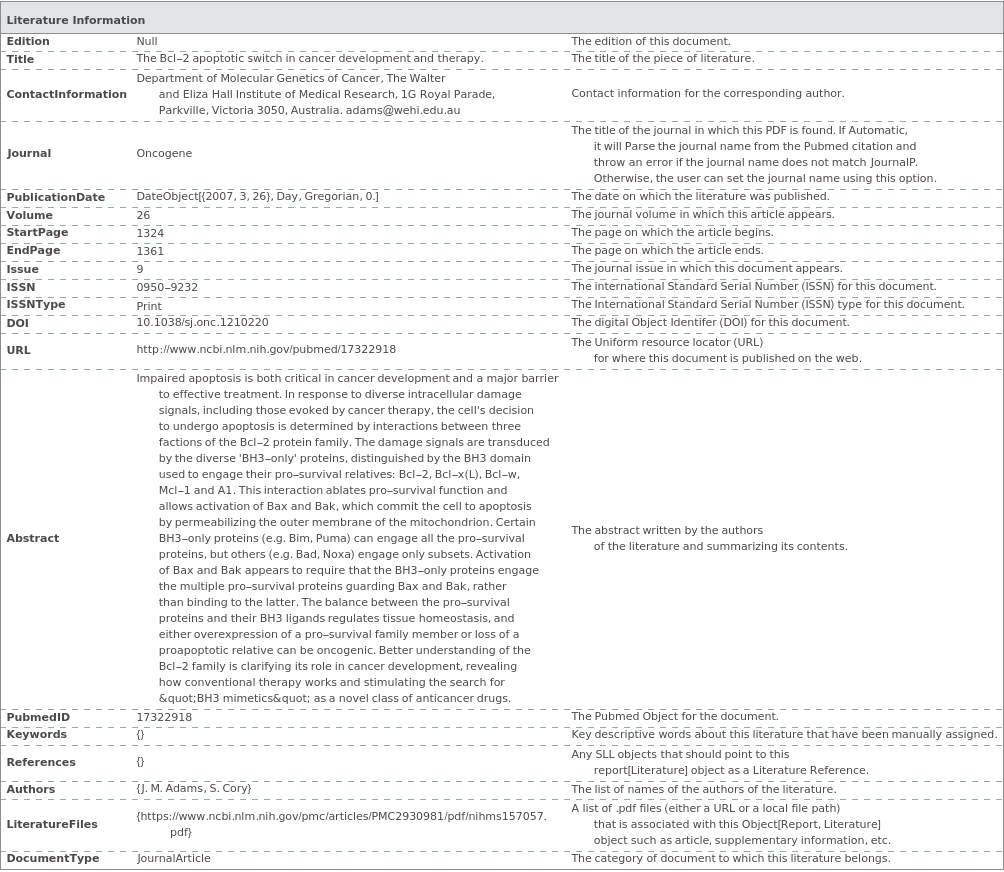
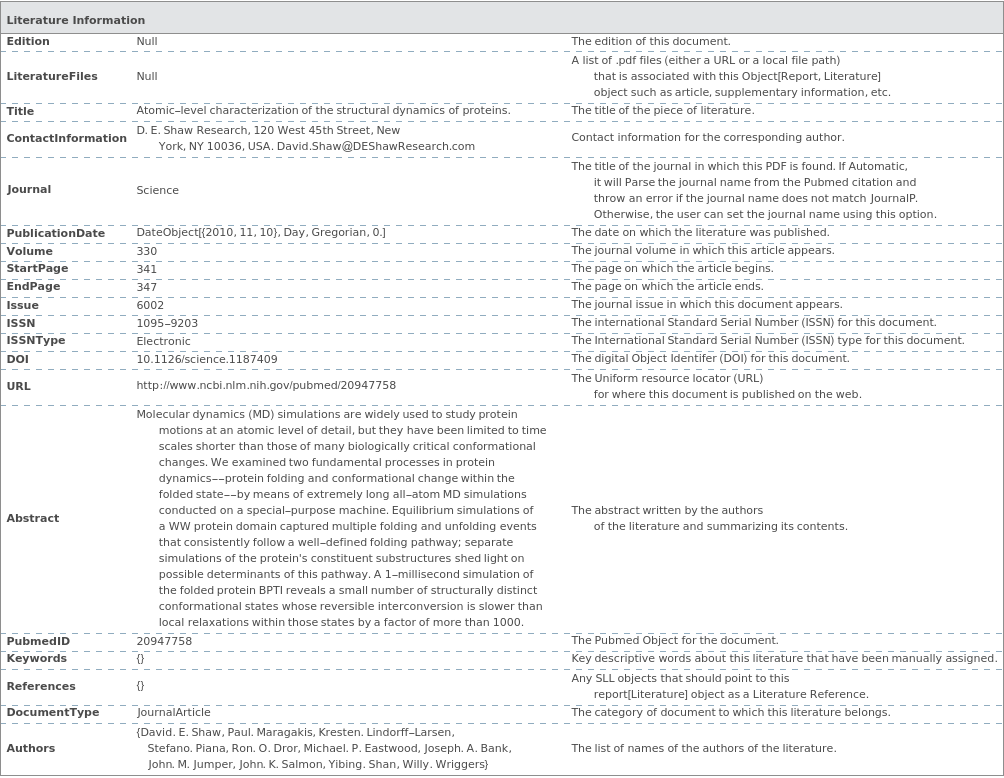
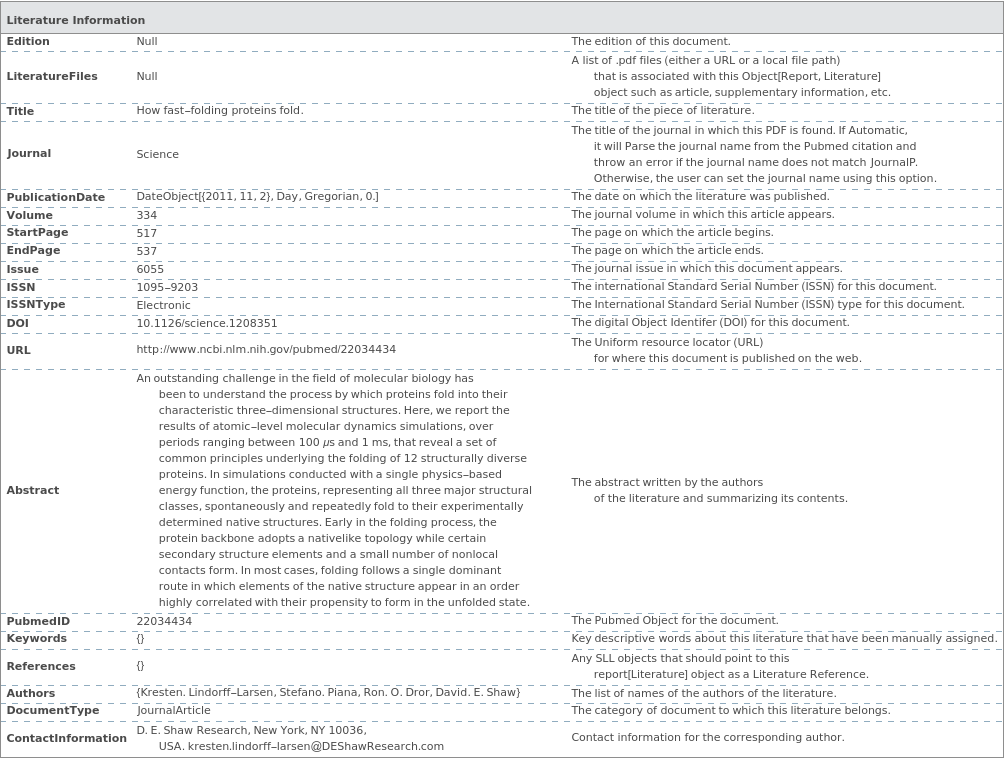
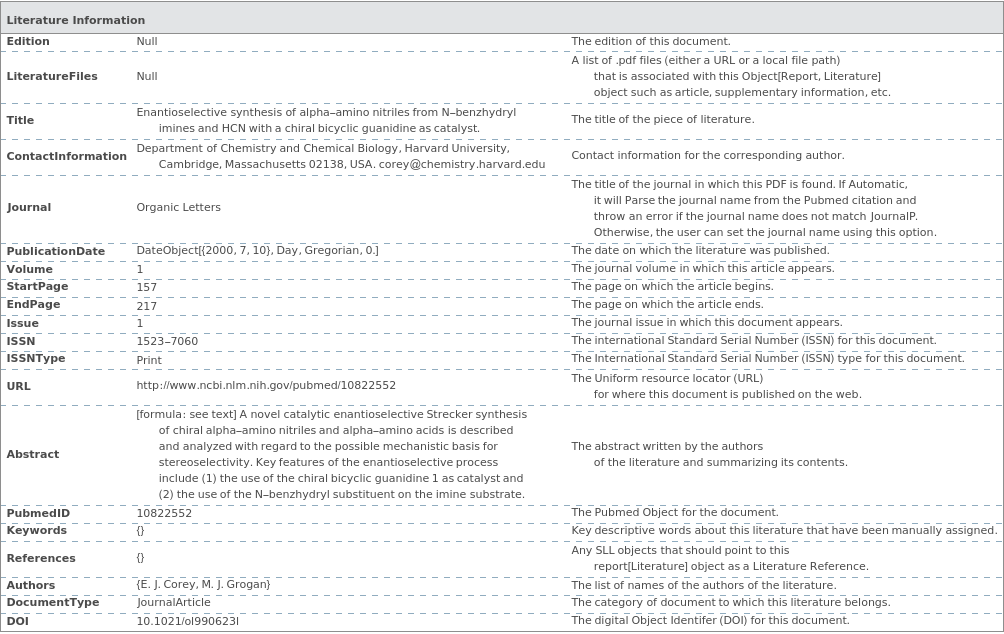
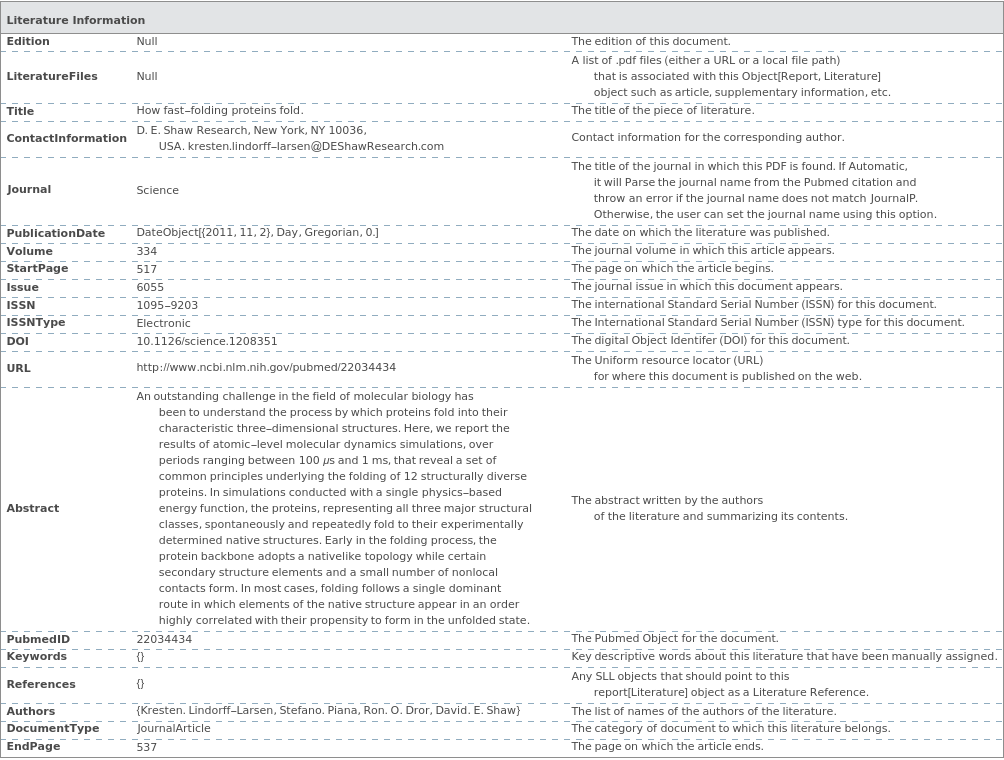
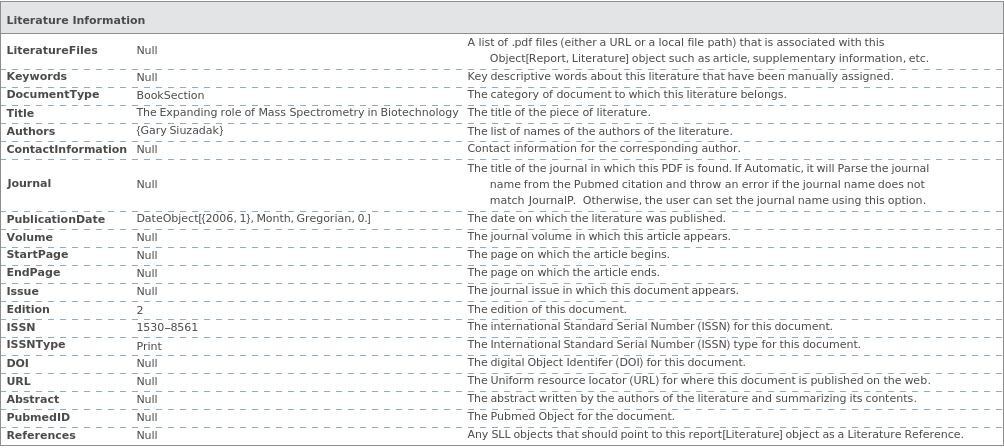
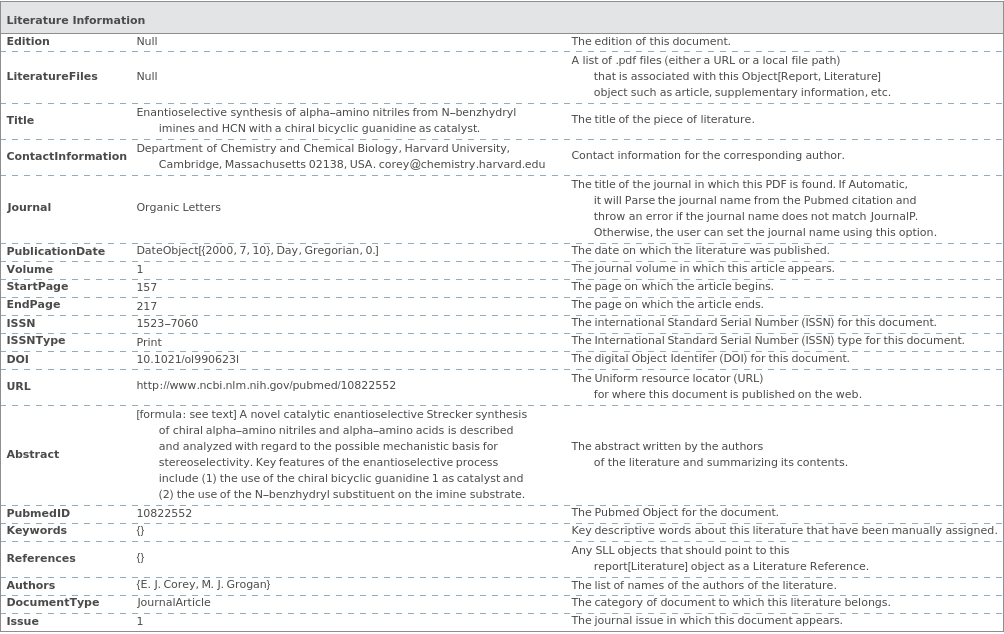
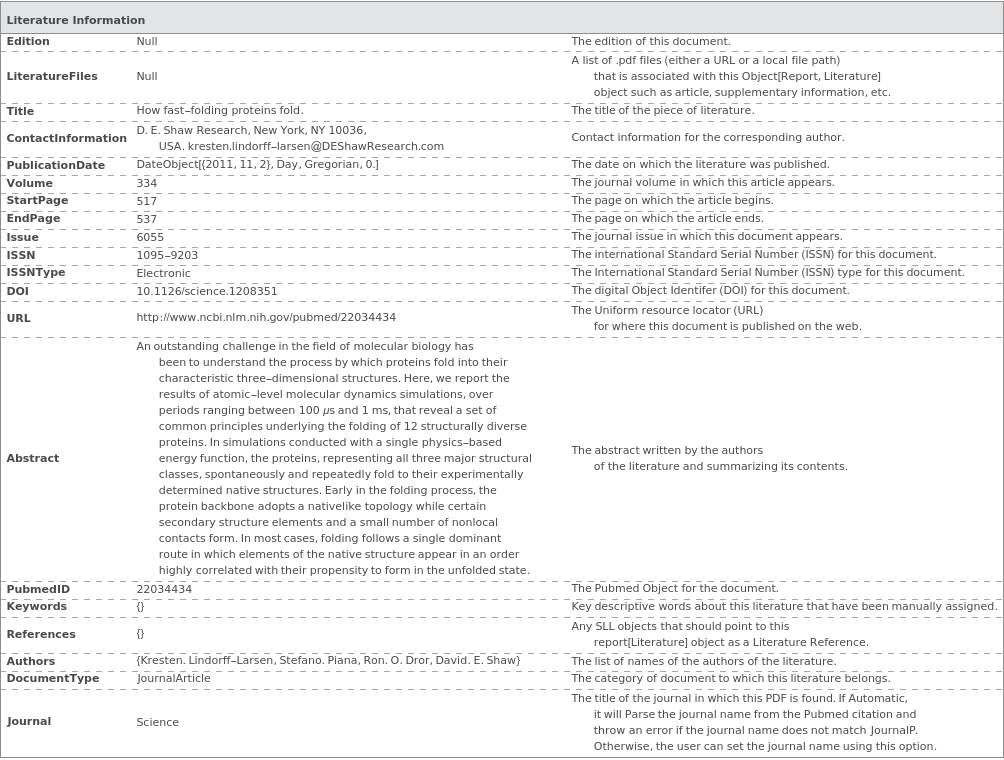
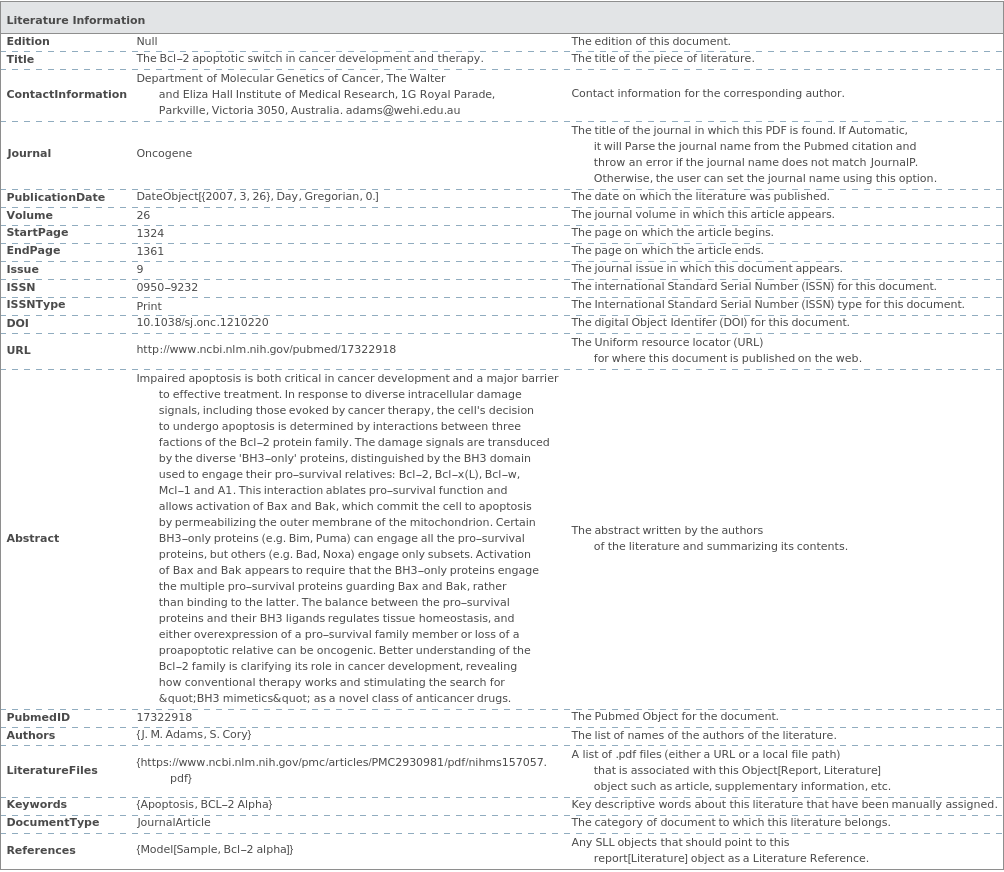
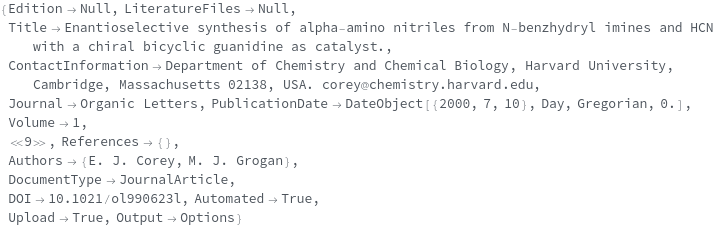
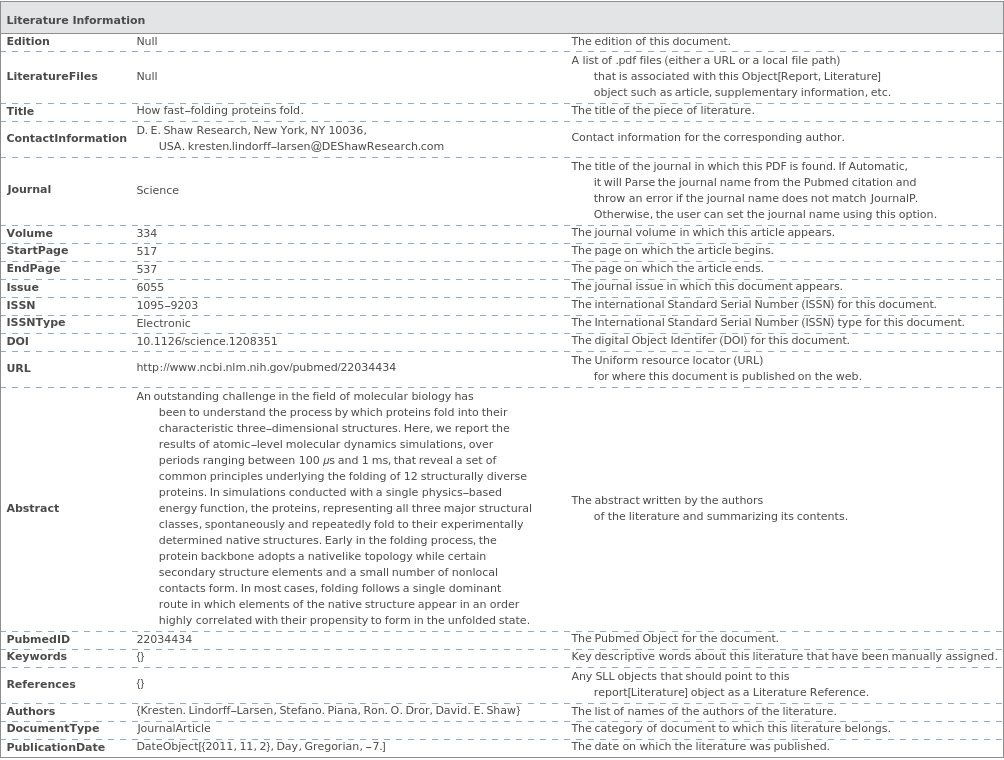
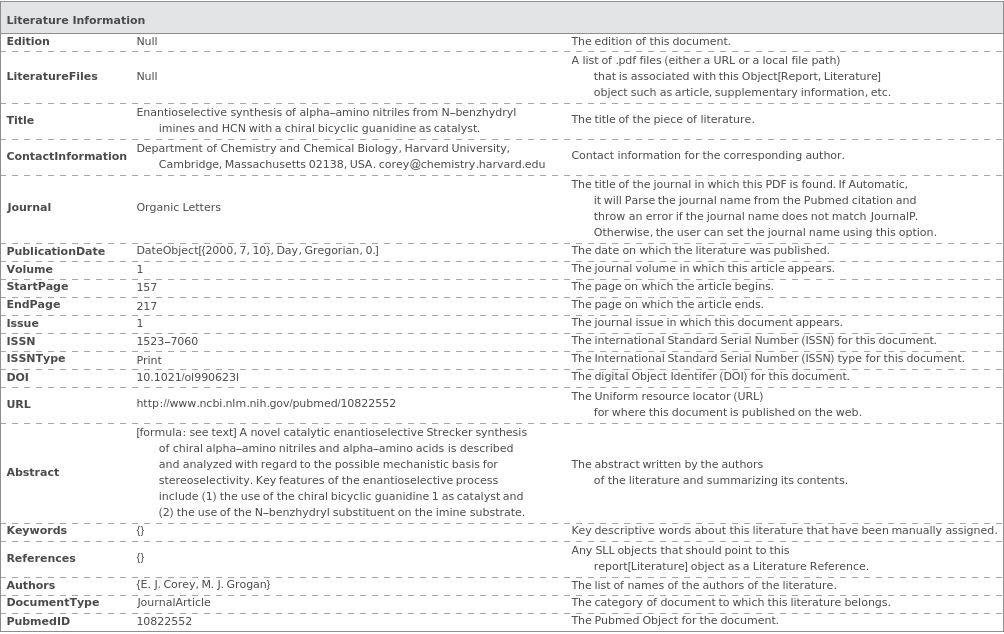
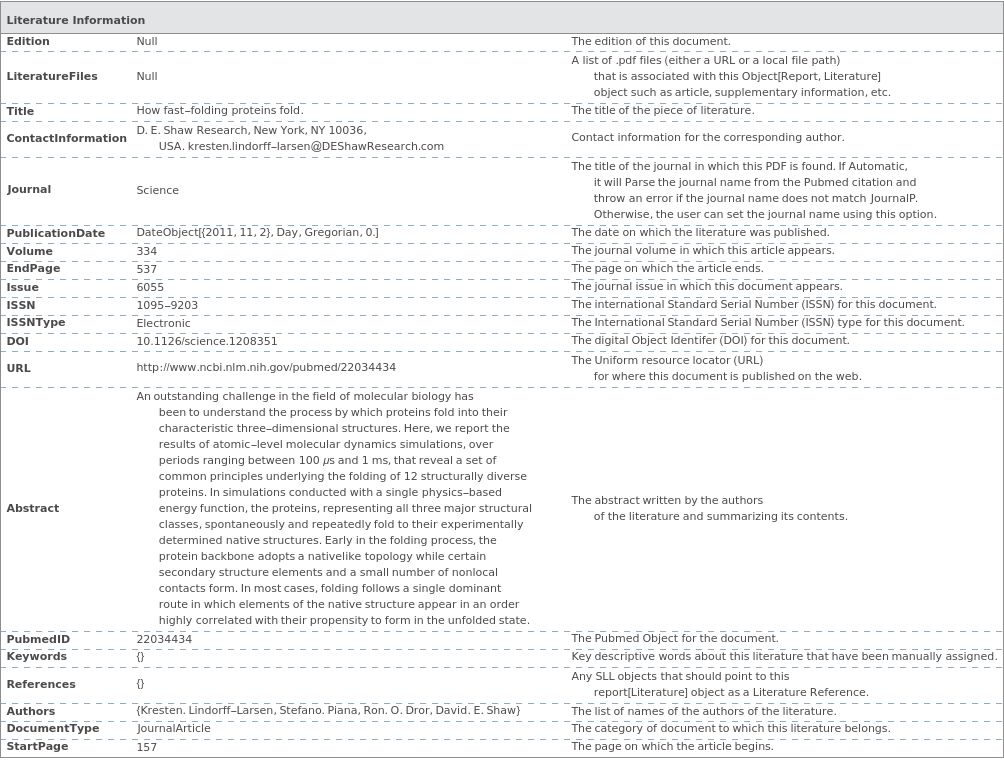
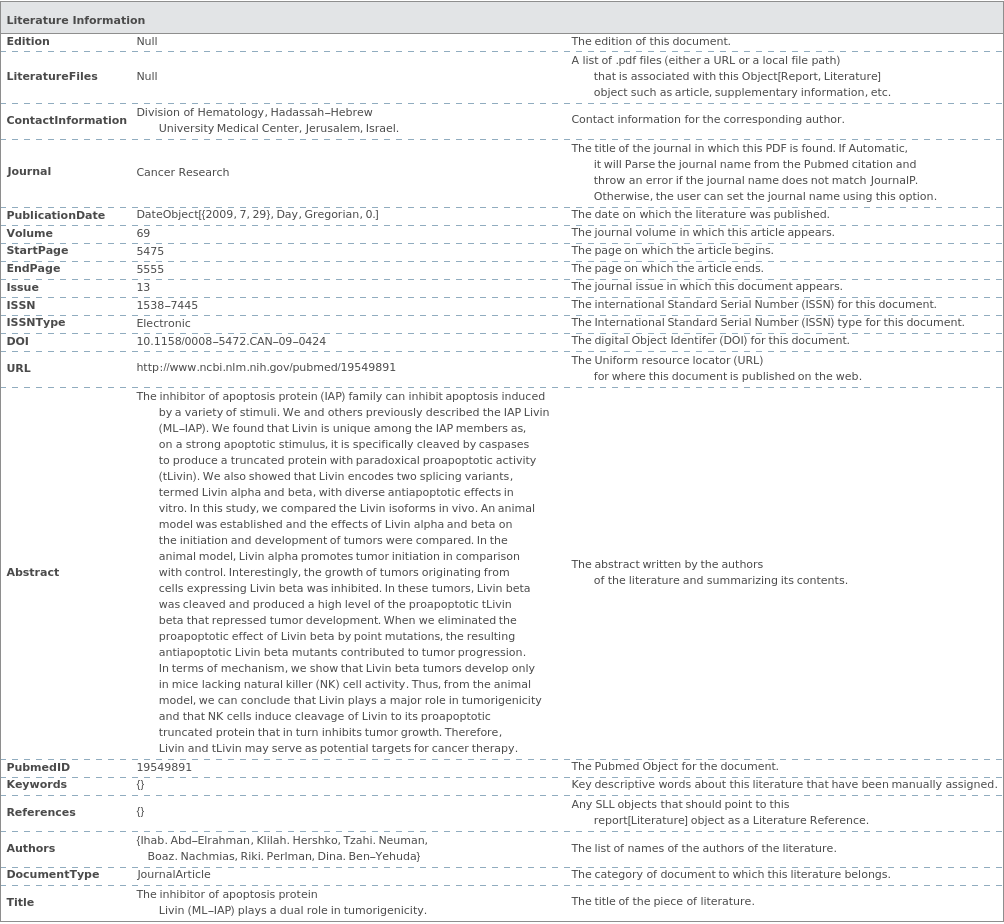
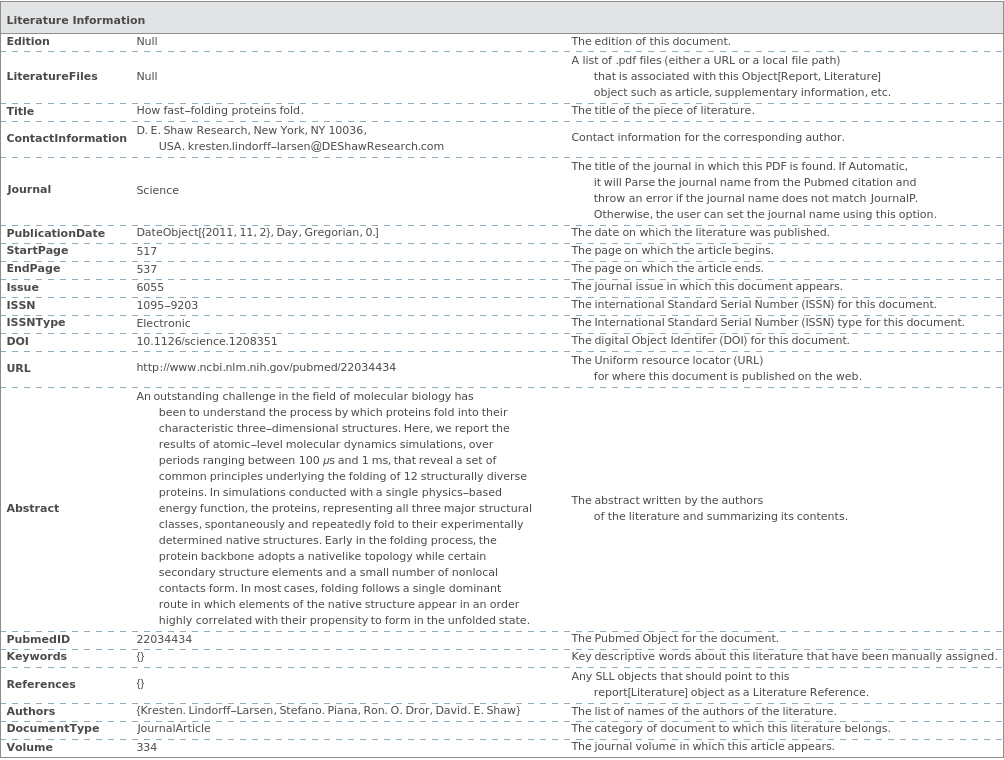
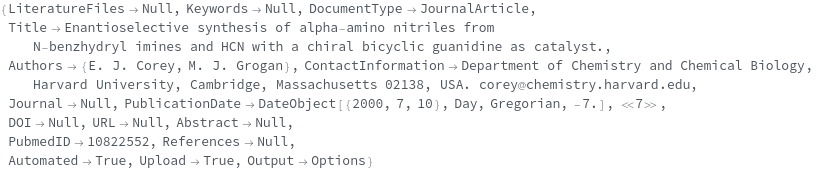
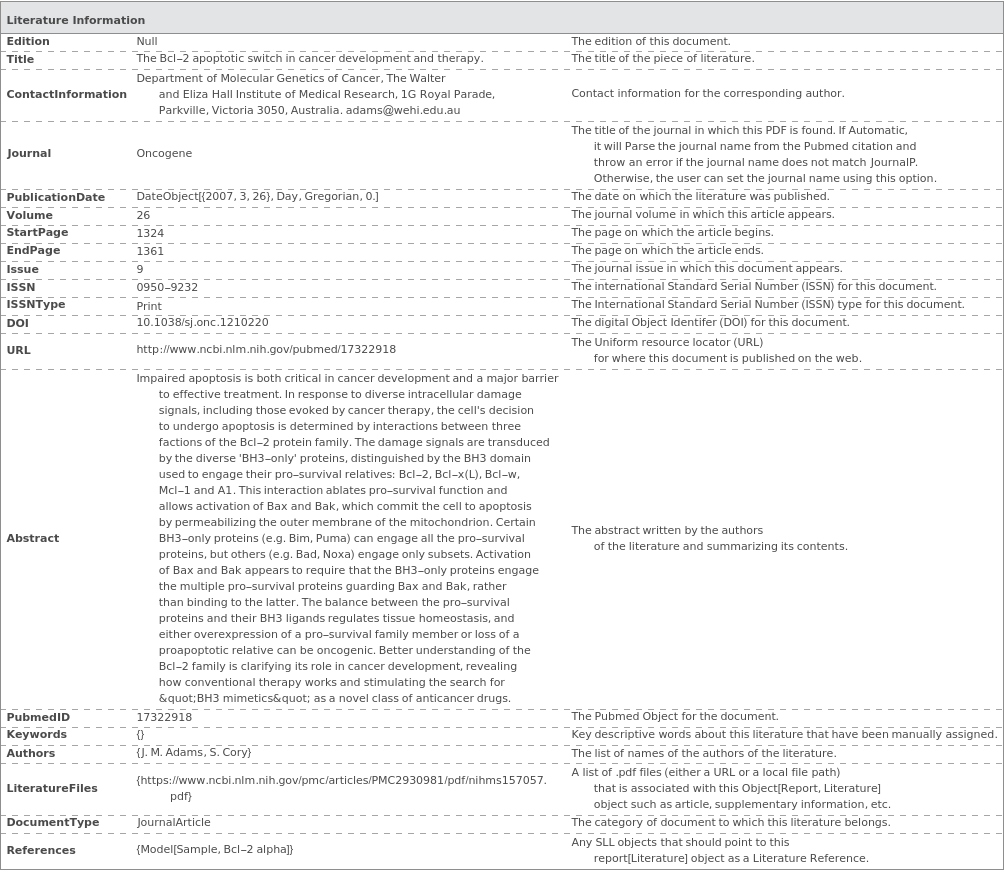
Return the resolved options when parsing an Object[Report,Literature] from a PubMed ID:

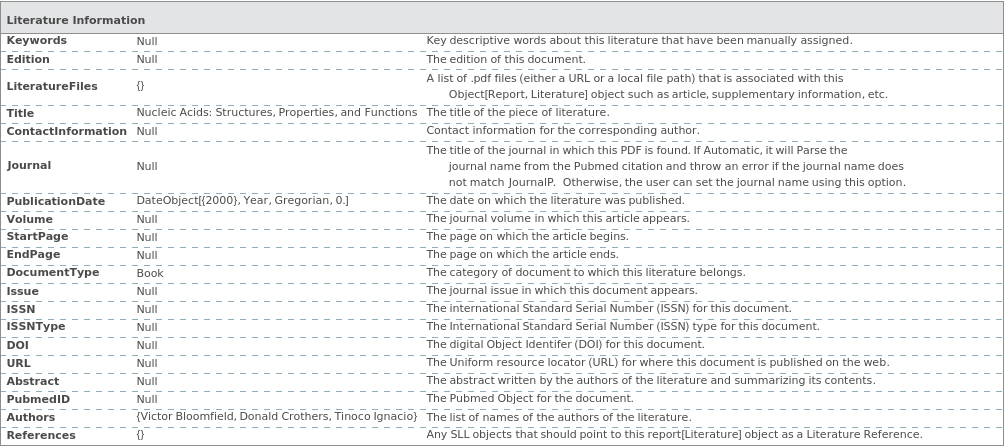
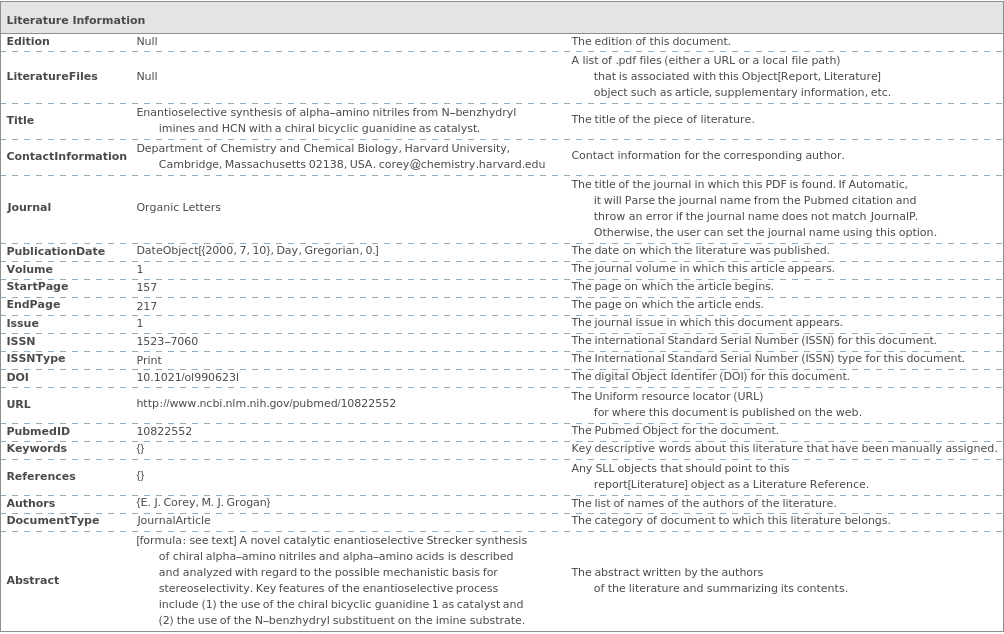
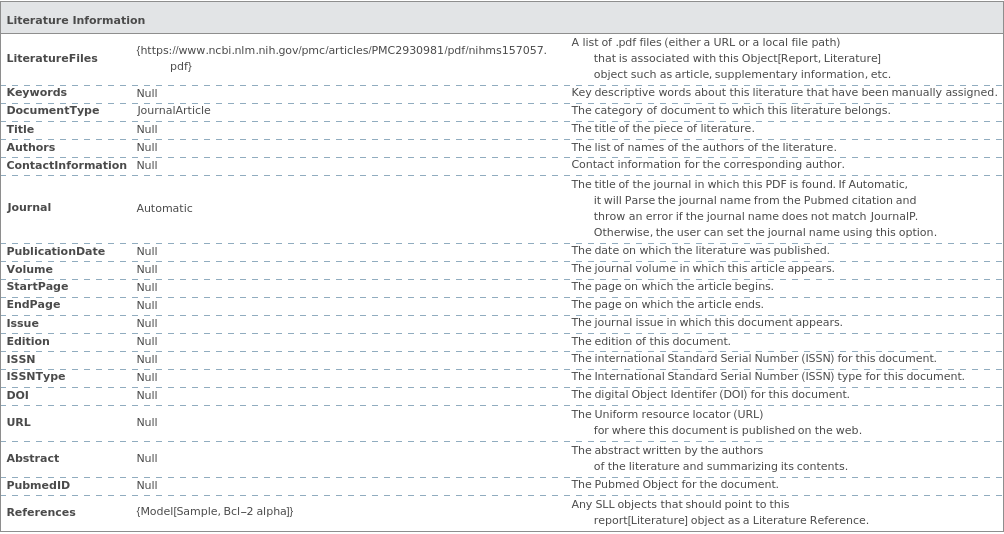
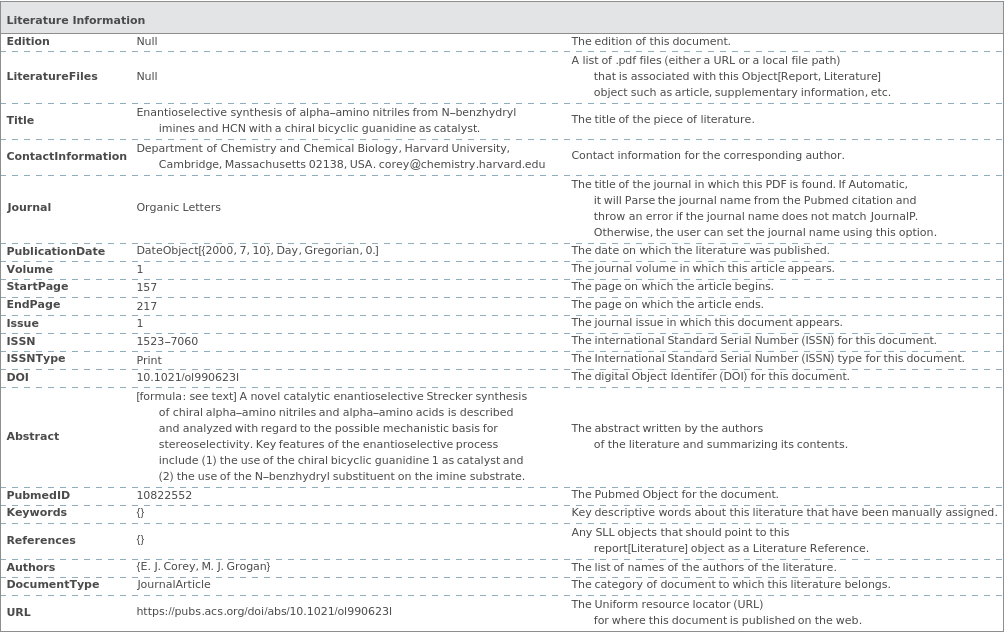
Return the resolved options when parsing an Object[Report,Literature] from EndNote:

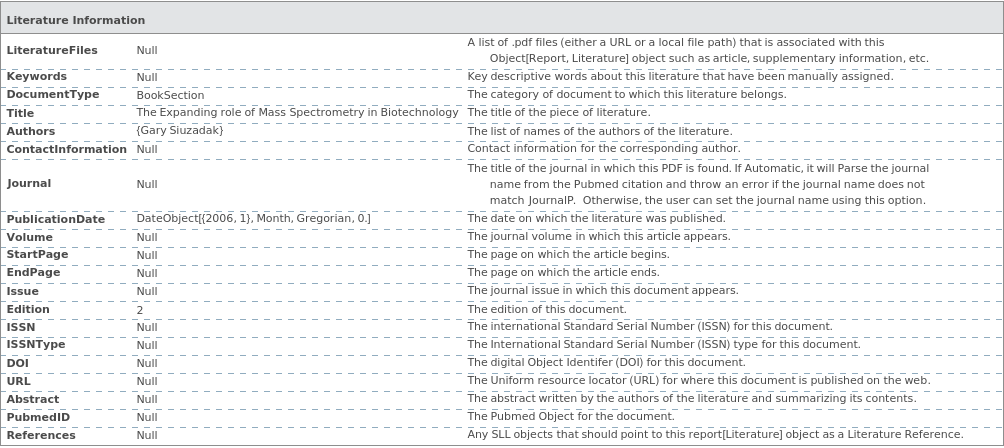
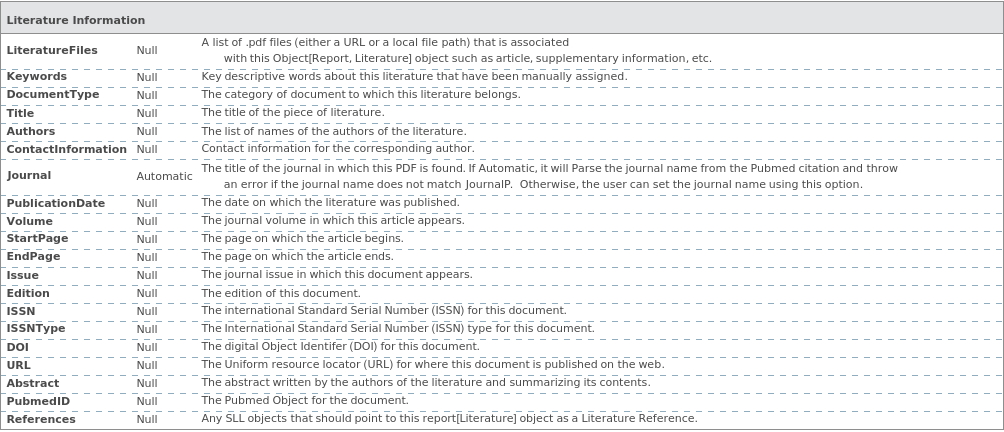
Return the resolved options when parsing an Object[Report,Literature] manually:

Options  (21)

Abstract  (1)

Use the Abstract option to specify the abstract of this document:

Authors  (1)

Use the Authors option to specify the authors of this piece of literature:

ContactInformation  (1)

Use the ContactInformation option to specify the contact information for the corresponding author:

DocumentType  (1)

Indicate the type of literature that is being uploaded. DocumentType can be set to any value that matches DocumentTypeP:

DOI  (1)

Use the DOI option to specify the Digital Object Identifier of this document:

Edition  (1)

Use the Edition option to specify the edition of this document:

EndPage  (1)

Use the EndPage option to specify the page on which this article ends:

ISSN  (1)

Use the ISSN option to specify the Interantional Standard Serial Number for this document:

ISSNType  (1)

Use the ISSNType option to specify the Interantional Standard Serial Number Type (Print or Electronic) for this document:

Issue  (1)

Use the Issue option to specify the journal issue in which this document appears:

Journal  (1)

Use the Journal option to specify the journal that this article was published in. The valid journals can be found by evaluating JournalP:

Keywords  (1)

Use the Keywords option to include key descriptive words about this piece of literature:

LiteratureFiles  (1)

Indicate any additional files that should be included in the literature report. These files can be links to online PDF files or local PDF files:

OutputFormat  (1)

Return the resolved options as a list:

PublicationDate  (1)

Use the PublicationDate option to specify the date that the article was published:

PubmedID  (1)

Use the PubmedID option to specify the PubMed specific identifier of this document:

References  (1)

Add a single model object that references this literature:

StartPage  (1)

Use the StartPage option to specify the page on which this article begins:

Title  (1)

Use the Title option to specify the title of this piece of literature:

URL  (1)

Use the URL option to specify where this document is :

Volume  (1)

Use the Volume option to specify the journal volume in which the article appears:

Messages  (10)

AuthorsCannotBeNull  (1)

The Authors option cannot be Null:

DocumentTypeCannotBeNull  (1)

The Document option cannot be Null:

EditionMustBeNull  (1)

The Edition option must be Null if the DocumentType is not a Book or Book Section:

FuturePublicationDate  (1)

The Publication date cannot be set to a date in the future:

InvalidPubmedID  (1)

An Error is thrown if the given Pubmed ID is not valid:

InvalidXMLFile  (1)

An Error is thrown if the given XML file is not valid:

NullJournalFields  (1)

If the DocumentType is set to JournalArticle, all of the fields {ContactInformation, Journal, Volume, StartPage, EndPage, PubmedID} must be non-Null:

PublicationDateCannotBeNull  (1)

The PublicationDate option cannot be Null:

RequiredTogetherOptions  (1)
If the DocumentType is set to JournalArticle, all of the fields {ContactInformation, Journal, Volume, StartPage, EndPage, PubmedID} must be non-Null:
TitleCannotBeNull  (1)

The Title option cannot be Null: