
ShipBetweenSites
ShipBetweenSites[Sample]⟹Transaction
sends a Sample from an ECL facility to another ECL facility.
Details
- ShipBetweenSites is used for resource fulfillment in cases where a non-purchasable or high-cost Sample, Container, or Item is required by a protocol but located at a different site. This allows the customer to seamlessly perform experiments without worrying about the logistics of their sample locations.
- ShipBetweenSites can be called as a standalone function, allowing Users to allocate their resources appropriately between sites in anticipation of their material needs.
- When called on Model[Item], Model[Container] or Model[Sample], each requested items is given a unique transaction such that it can be fulfilled at the appropriate site.
- Object inputs are grouped into the same transaction when they are able to be shipped together, have the same source site, and are being shipped to the same destination.
- Sending of Object[Transaction, SiteToSite] is handled by MaintenanceShipping, and receiving at the destination site is performed in MaintenaceReceiveInventory.
Input

Output

Aliquoting Options
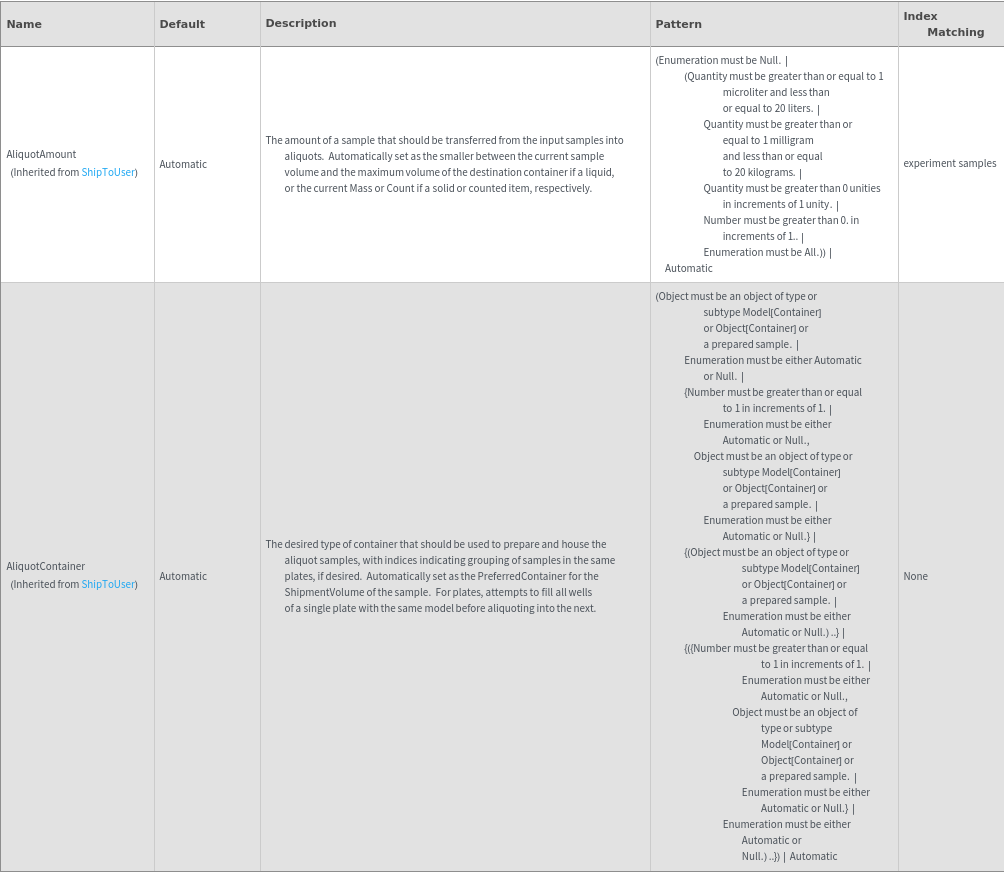
AliquotPrep Options
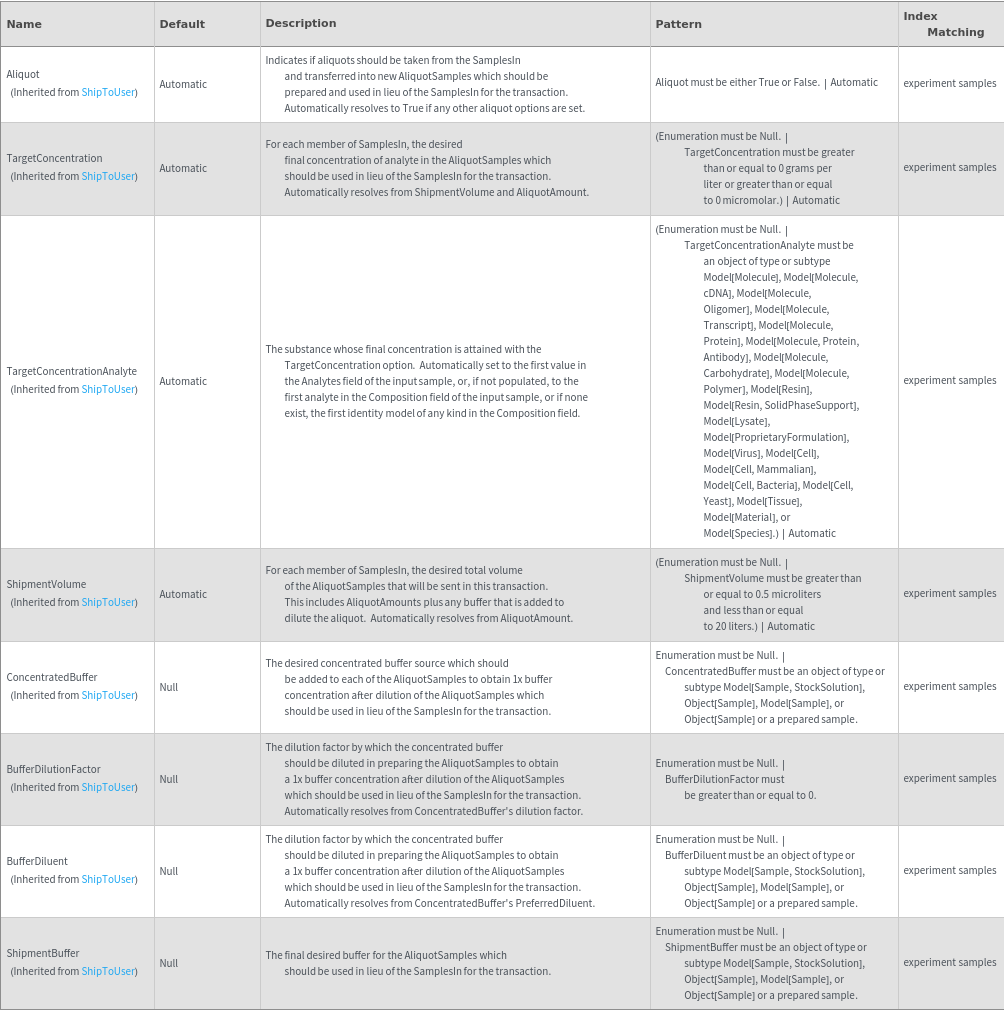
Shipment Options
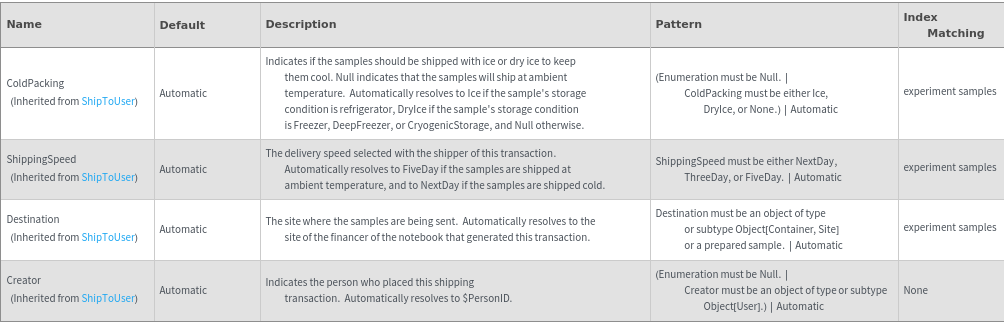
General Options

Protocol Options
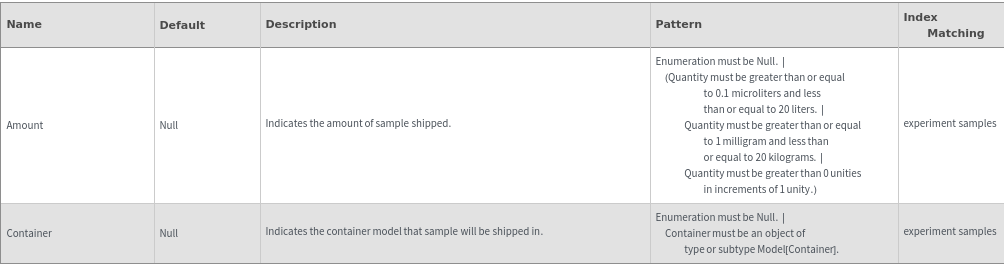
Examples
Basic Examples (5)









Additional Examples (13)
Any sample containers that are too large to fit into any bag will not get a secondary container. MaintenanceShipping will give a message later:


Cardboard boxes are selected for ambient shipments, and styrofoam boxes are selected for cold shipments:


Handles mixed lists of Models/Objects:


Handles objects with or without dependent resources:


If an item shares a container with other samples, no warning is given that the item is co-localized:


If any sample is too large to fit into the largest stocked box, no shipping container will be populated. MaintenanceShipping will give a message later:


If there is not a box large enough for all of the transaction contents, chooses multiple boxes:


If the samples are at different sites, generates a transaction for each site:


Selects a plate seal for all plates that will be shipped:


Selects a plate seal for plate containers that will be shipped when multiple container and sample inputs are used:

Selects a secondary bag for all containers:


Selects packing materials based on shipment temperature:

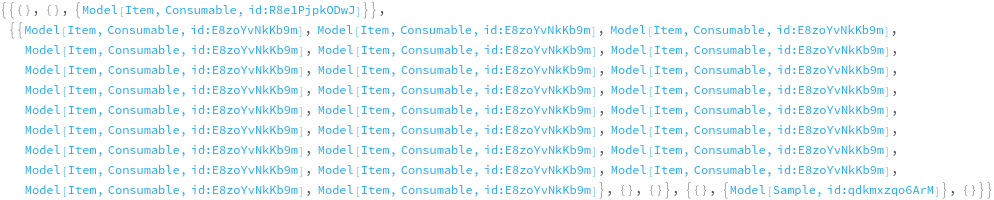
Ship a model between sites to fulfill a model resource request, each model is a different transaction:


Options (33)
Aliquot (4)
If no aliquoting options are specified, Aliquot resolves to false:

Indicate if aliquots should be taken from the samples found in input containers and prepared to be used in lieu of the SamplesIn in the transaction. If aliquoting, you must specify a valid combination of aliquot options to indicate how the samples should be prepared:


Indicate if aliquots should be taken from the SamplesIn and prepared to be used in lieu of the SamplesIn in the transaction. If aliquoting, you must specify a valid combination of aliquot options to indicate how the samples should be prepared:


Indicate if aliquots should be taken from the SamplesIn and prepared to be used in lieu of the SamplesIn in the transaction. If aliquoting, you must specify a valid combination of aliquot options to indicate how the samples should be prepared. (Case where samples are at multiple sites):


AliquotAmount (2)
Specify the amount of the sample that should be transferred from the SamplesIn into the AliquotSamples. In this case the sample will not be diluted, it will only be transferred:


Specify the amount of the sample that should be transferred from the SamplesIn into the AliquotSamples. In this case the sample will not be diluted, it will only be transferred:


AliquotContainer (4)
Specify the type of container that should be used to prepare and house the AliquotSamples. (Case where aliquot container has multiple positions):


Specify the type of container that should be used to prepare and house the AliquotSamples. (Case where aliquot container has single position):


Specify the type of container that should be used to prepare and house the AliquotSamples. (Case where samples are at multiple sites; Case where aliquot container has multiple positions):


Specify the type of container that should be used to prepare and house the AliquotSamples. (Case where samples are at multiple sites; Case where aliquot container has single position):


BufferDiluent (2)

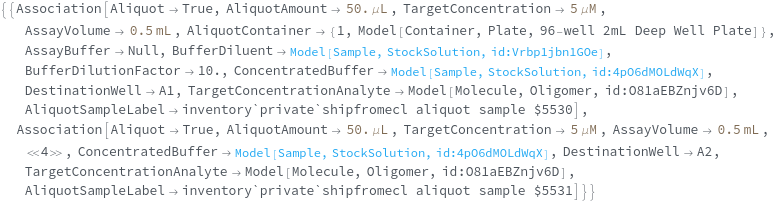

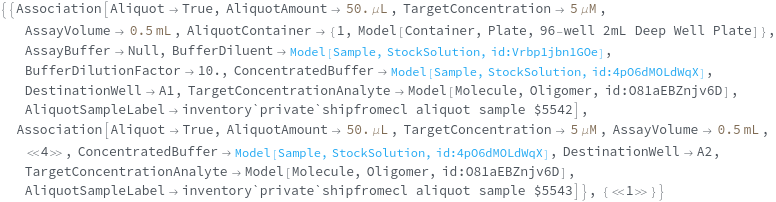
BufferDilutionFactor (3)
Specify the dilution factor by which the concentrated buffer should be diluted in preparing the AliquotSamples to obtain a 1x buffer concentration after dilution of the AliquotSamples:


Specify the dilution factor by which the concentrated buffer should be diluted in preparing the AliquotSamples to obtain a 1x buffer concentration after dilution of the AliquotSamples. (Case where samples are at multiple sites):


The dilution factor by which the concentrated buffer should be diluted by the BufferDiluent; the diluted version of the ConcentratedBuffer will then be added to any aliquot samples that require dilution, where the volume of this buffer added is the difference between the AliquotAmount and the total AssayVolume:


ColdPacking (3)





ConcentratedBuffer (3)
Specify the concentrated buffer source which should be added to each of the AliquotSamples to obtain 1x buffer concentration after dilution of the AliquotSamples:


Specify the concentrated buffer source which should be added to each of the AliquotSamples to obtain 1x buffer concentration after dilution of the AliquotSamples. (Case where samples are at multiple sites):


The concentrated buffer which should be diluted by the BufferDilutionFactor with the BufferDiluent; the diluted version of the ConcentratedBuffer will then be added to any aliquot samples that require dilution, where the volume of this buffer added is the difference between the AliquotAmount and the total AssayVolume:






ShipmentBuffer (2)



ShipmentVolume (2)
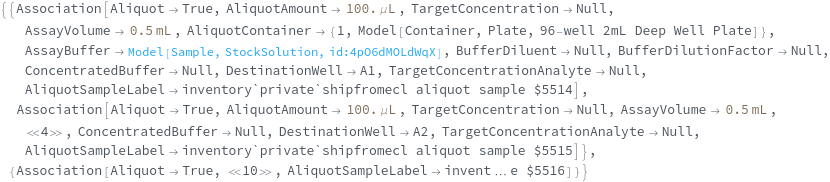
Specify the desired total volume of the AliquotSamples. After transferring the aliquot volume of the input sample, ShipmentBuffer will be added up to this volume:


Specify the desired total volume of the AliquotSamples. After transferring the aliquot volume of the input sample, ShipmentBuffer will be added up to this volume. (Case where samples are at multiple sites):

ShippingSpeed (3)





TargetConcentration (2)






Messages (9)
ContainersIncludeAdditionalSamples (1)



ContainersSpanShipments (2)
If samples from the same container are specified with different ColdPacking options, a warning will be given stating that the samples will be transferred to separate containers:



If samples from the same container are specified with different ShippingSpeed options, a warning will be given stating that the samples will be transferred to separate containers:














